tag: Svg

Seamless Looping Neon Trail in Blender

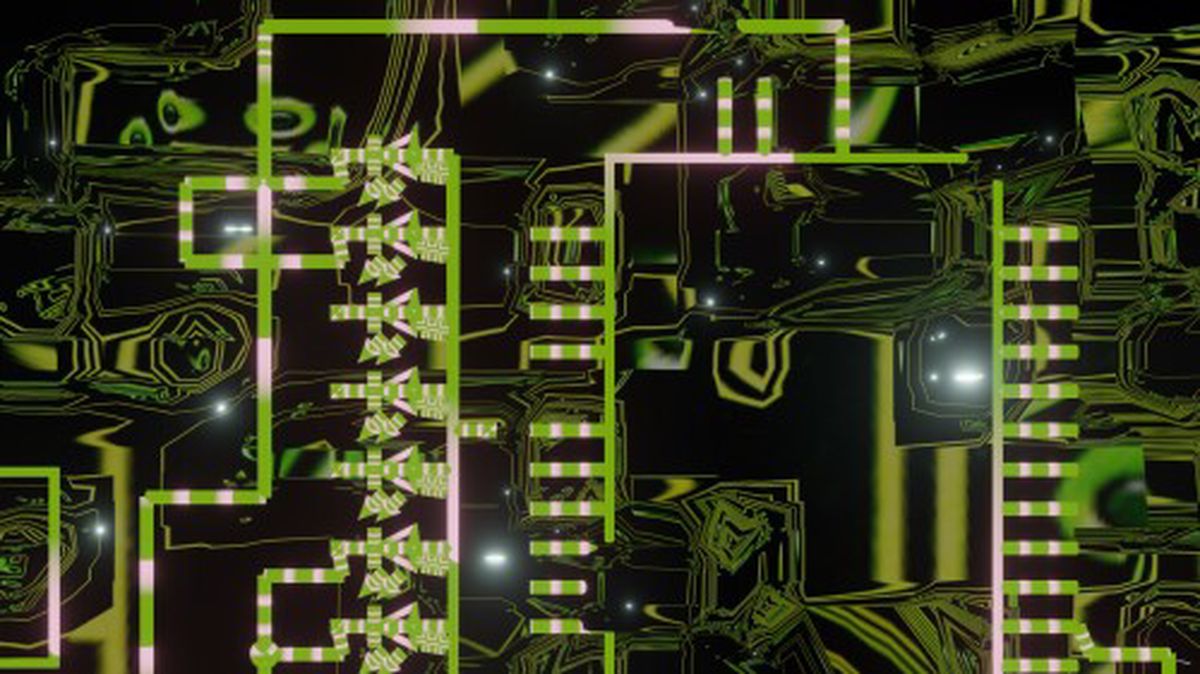
I’d like to return to the fifth video in the Design Yourself series to show how i did a glowing neon trail. The video is heavily themed around robots, and if you look in the background you’ll see that it’s actually a circuit board.
Seamless Looping Neon Trail in Blender

The circuit diagram was a random one I built using the rather excellent Fritzing software. If you’re ever looking for high quality SVG illustrations of electrical components then Fritzing is a great resource. I brought the exported SVG diagram into Blender to illustrate it a bit.

OSP Print Party

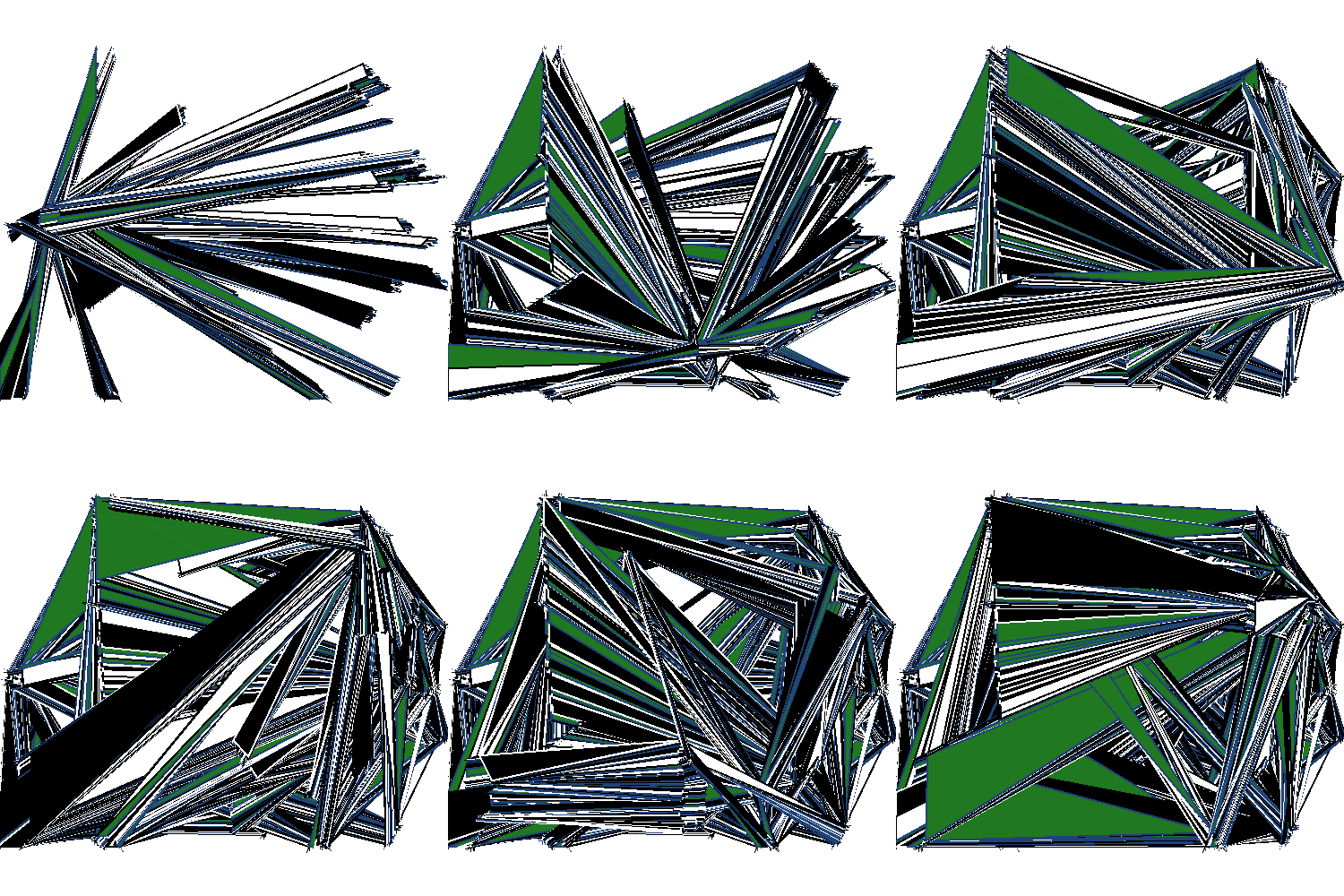
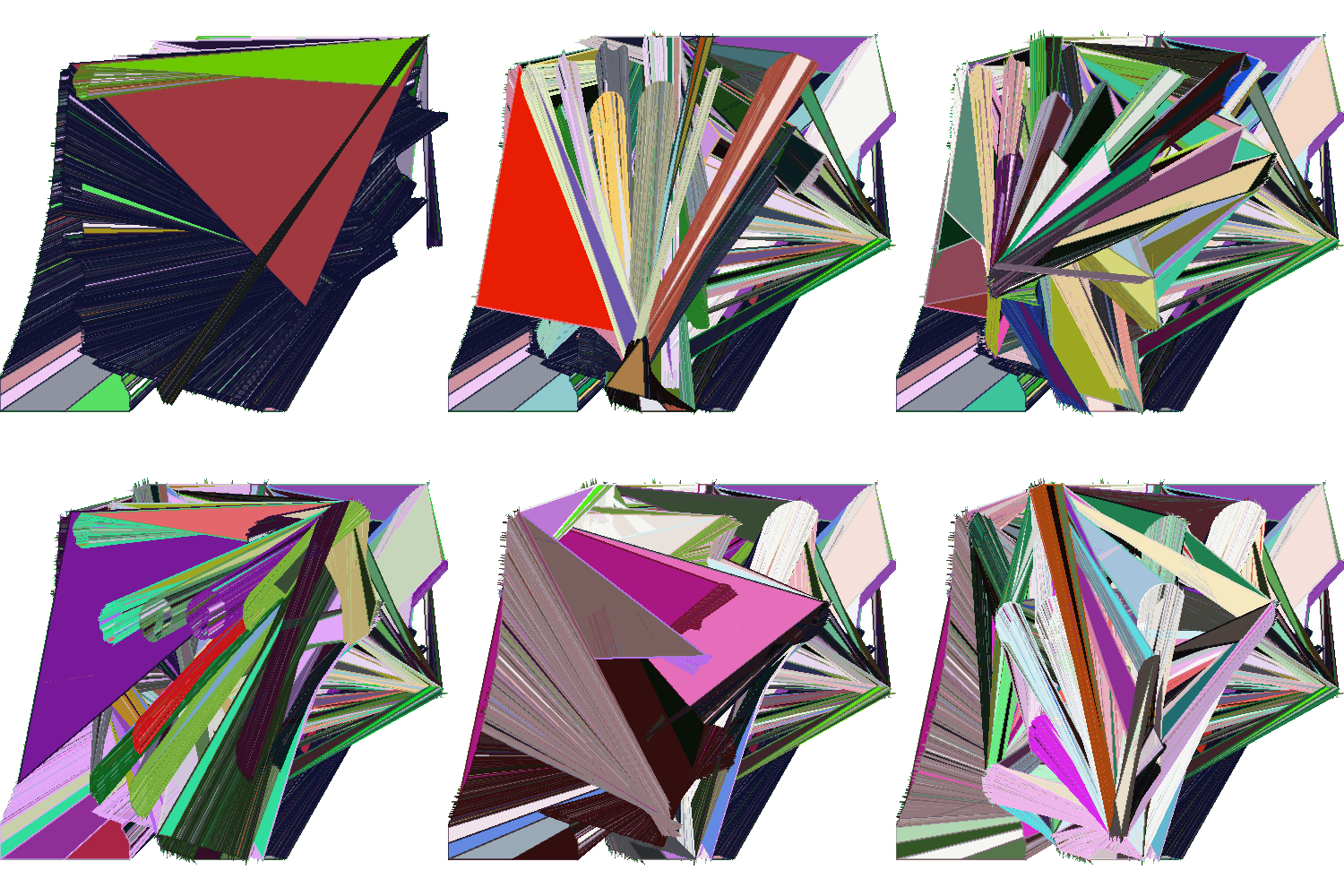
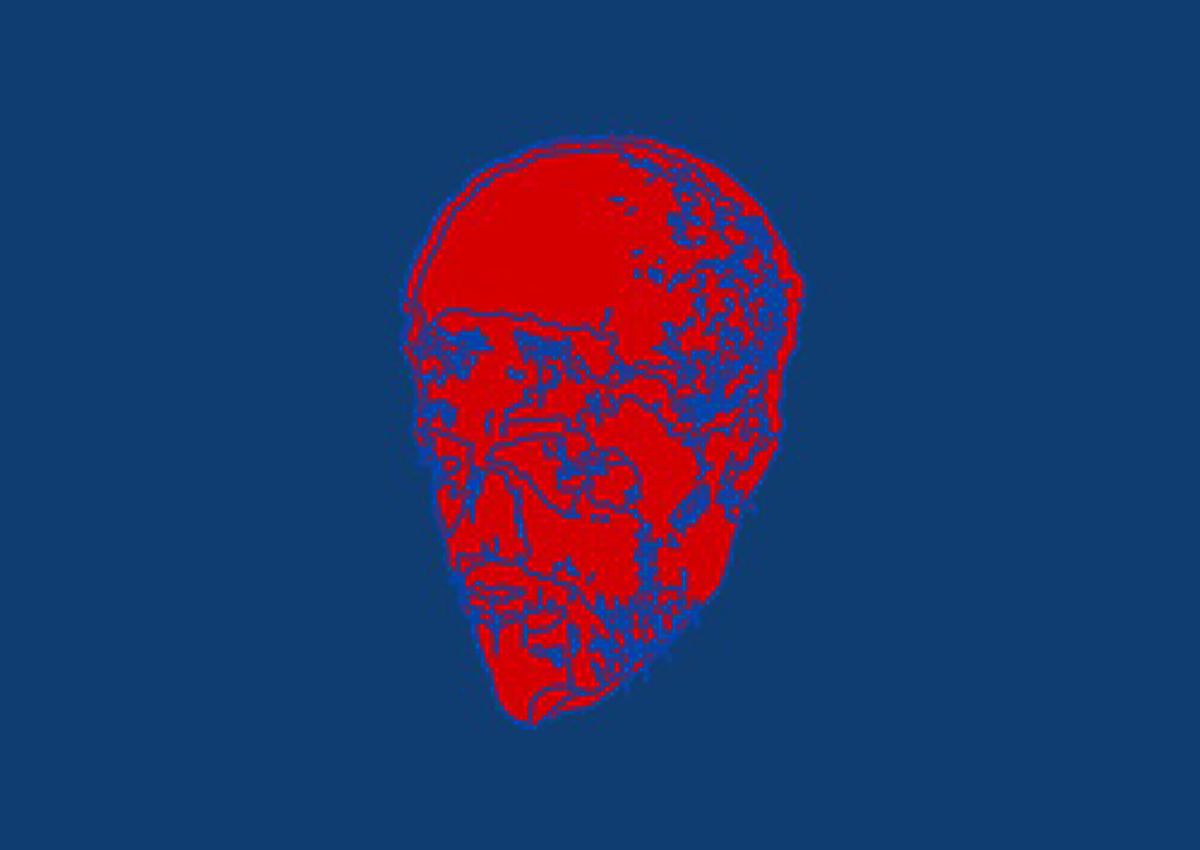
For OSP’s Print Party on October 18th I made a bunch of new software and modified some old software that did sonification of text, bitmap, and vector images. I saw it as a way to differently engage with the usually static images featured throughout the festival. Here’s some of the visual output from a Processing sketch that, when combined with Pure Data, would redraw an SVG and convert it to sound:


Bull Glitch

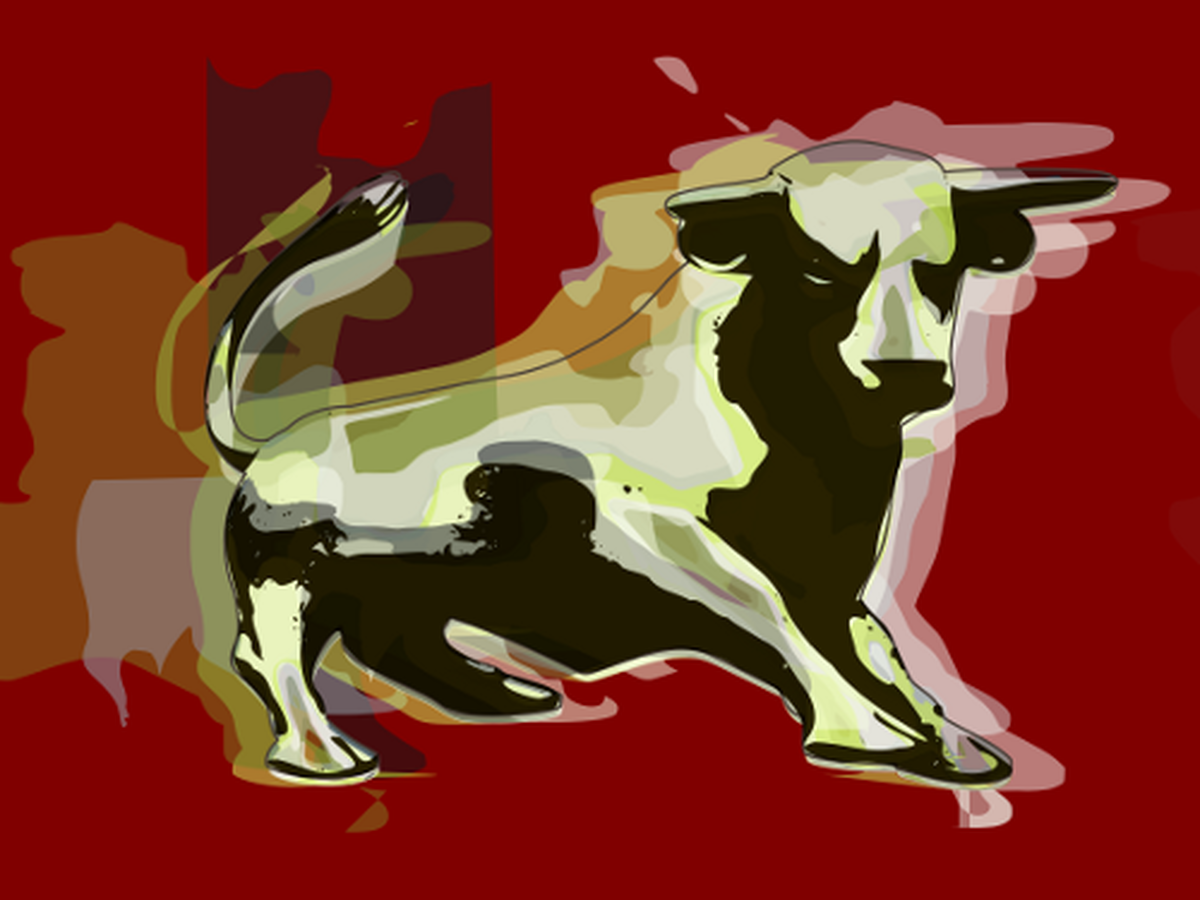
You may have noticed that in my previous post there was a nice little image of the Bull Ring Bull. I did that! Before I go on, it’s not an image that will be used for Birmingham’s City of Culture bid (though if you really like it monies plz). It’s more an image just to represent the work that we’re doing to collect opinions of Birmingham.

bull glitch

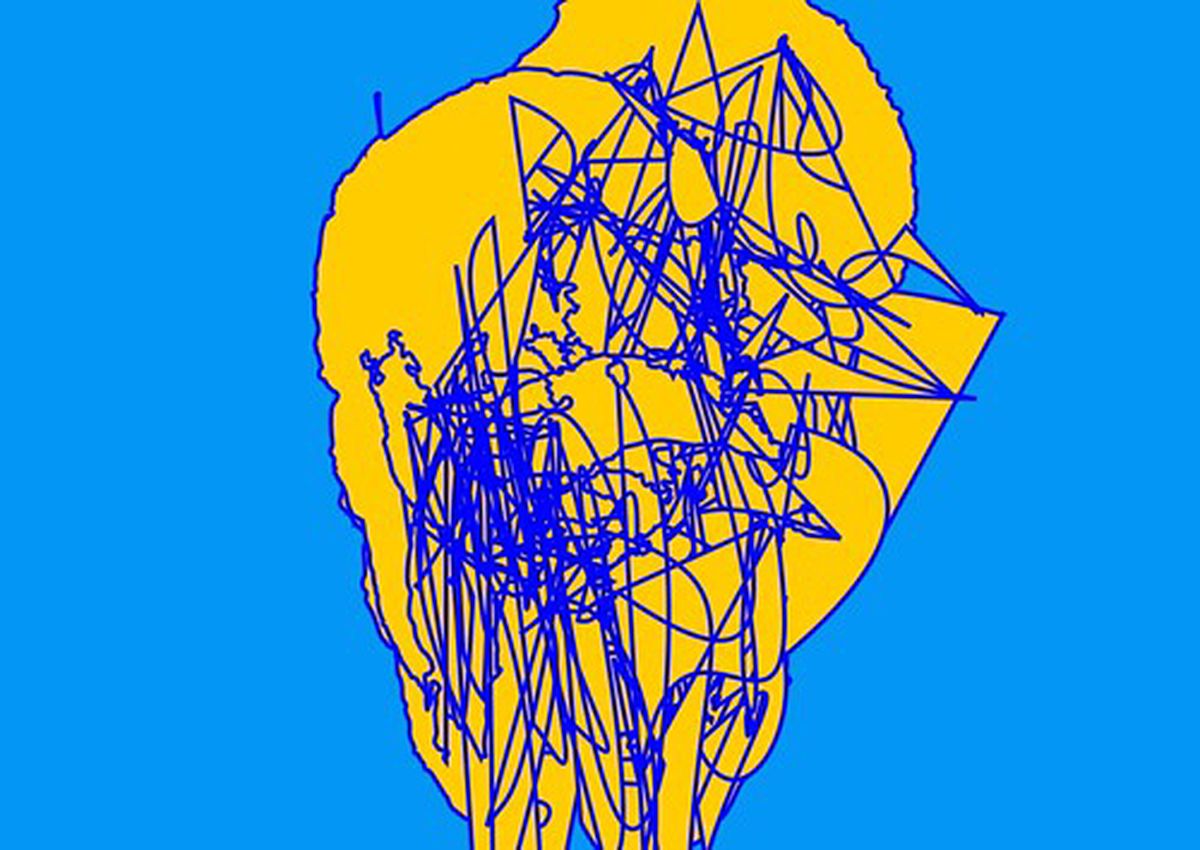
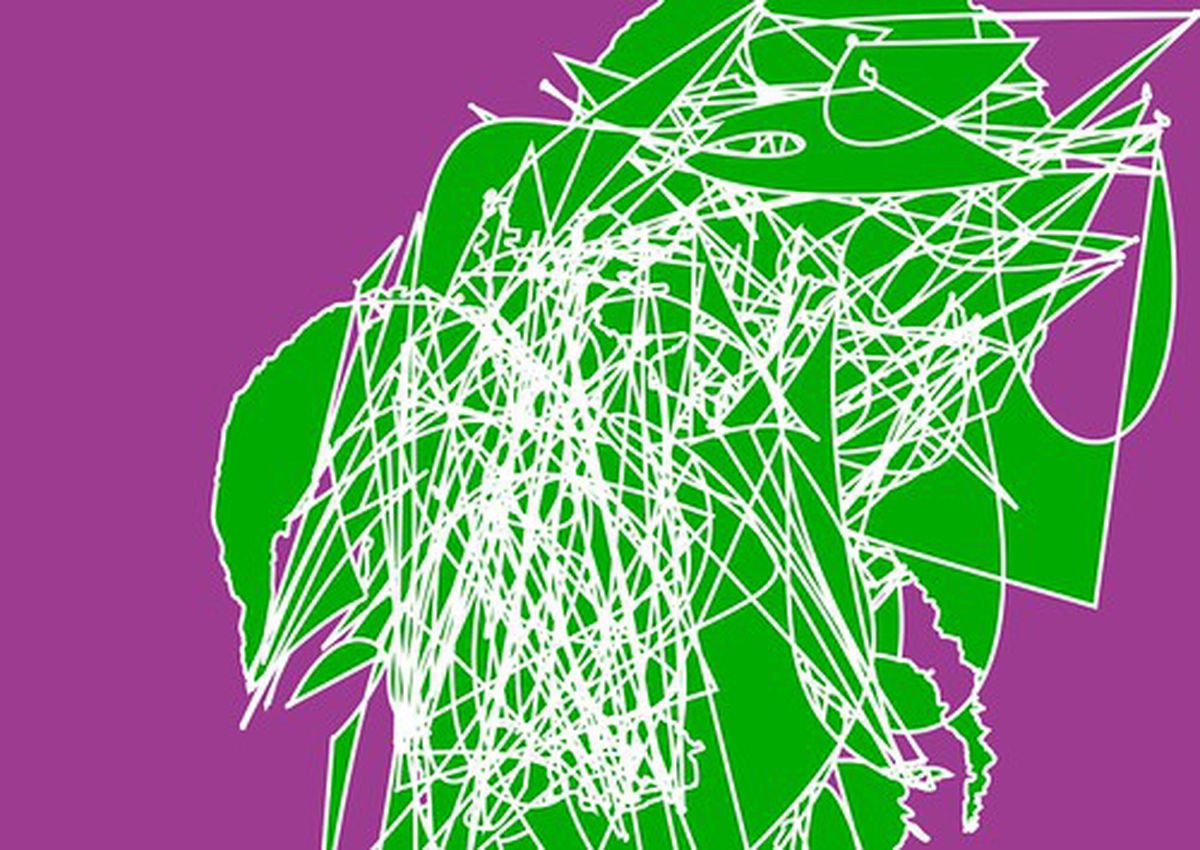
Although not a completely original concept (Andy Warhol anyone?) I have utilised a few newly found techniques to create it. Whilst the results, and indeed databending as a whole looks cool I have yet to use it in any real world situations. Until now that is.


Databending: Where next?

I’ve been exploring databending for awhile now and whilst I quite like it I do wonder where it can go next, or rather, where I can take it next. Whilst I like the chaos and apparent random results achieved in opening up an image file in a hex/text editor and mucking around I feel that more could be done with the result. I feel that the modified image (or sound) should part of a design, not the design itself. With that in mind I’ve been doing an experiment mixing the chaotic but more controlled output of Alchemy and several modified images


Bending a penguin

Awhile back I did a quick vector illustration of a penguin. It was nothing much really but as far as penguins go I quite liked this one. Recently (as in, the last four months) I’ve been interested in databending. Have you ever had an image you’ve taken come out like it’s been through a shredder? That’s the effect that most databenders are after. In a way it’s like trying to reproduce an error. Once you’ve done it a few times you get to learn what effects different methods can produce but even then it’s very unpredictable. For a short tutorial on databending an image, take a look at the one I wrote for fizzPOP.


Blending Inkscape and Blender

One of the things I’ve always wanted to do is to work on an image in a 3D environment but then export the resultant image to an svg. Being the open source nut that I am my main weapons of choice are Blender for 3D work and Inkscape for vector. These programs have their advantages and their disadvantages. The main advantage they have over many similar programs is that they’re open source and free. They’re very capable products and are used quite widely and are being actively developed. In fact, Inkscape is getting ready to release version 0.47 (I’ve used a prerelease and it’s awesome)