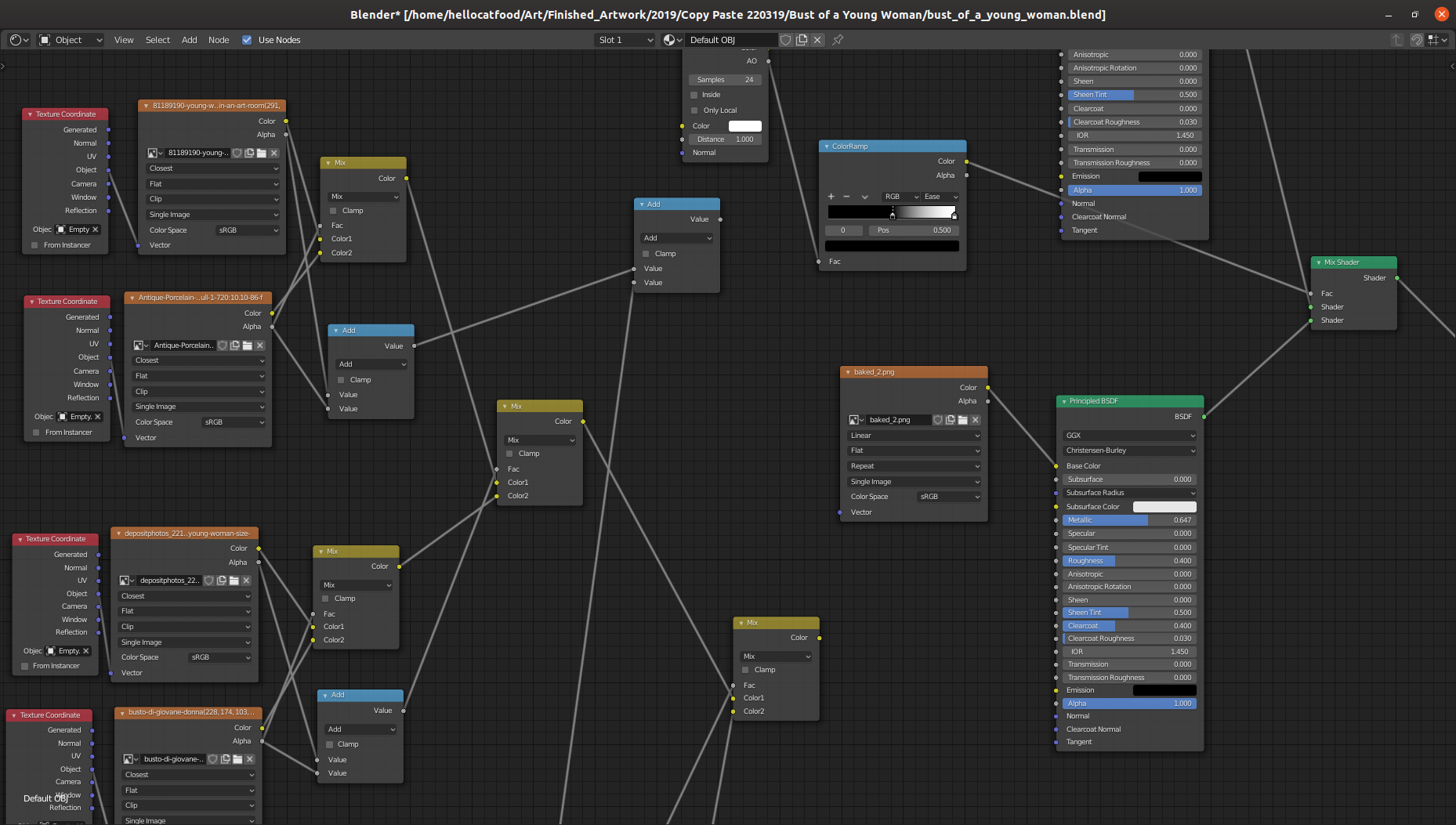
This ongoing adventure to create a typewriter text effect has had a lot of twists and turns over the years. Back in 2011 I used Pure Data to achieve this effect. Fast forward to 2019 and I experimented with Kdenlive and Natron before settling on Animation Nodes. In April 2020 update on this I detailed how I used Animation Nodes and attempted to use Aegisub to create this effect. Around the same time I had started experimenting with expressions in Natron to achieve the same effect.
On Saturday July 25th I’ll be delivering an online a Blender workshop for Access Space!
The three-hour workshop (13:00 - 16:00) will go through a few basics of using Blender but will mainly focus on making abstract glitchy looping gifs, like the ones that I made for Improviz.
For the sixth video in the Design Yourself series the group worked with artist Erica Scourti. For the activity the participants used optical character recognition software (OCR) to generate poetry from their own handwriting and writing (leaflets, signage) found throughout the Barbican building.
The next stage in the workshop was going to be to take this extracted text and run it through a text to speech synthesizer, but unfortunately there wasn’t time to get to this stage.
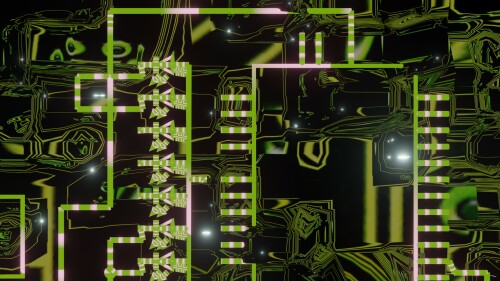
I’d like to return to the fifth video in the Design Yourself series to show how i did a glowing neon trail. The video is heavily themed around robots, and if you look in the background you’ll see that it’s actually a circuit board.
The circuit diagram was a random one I built using the rather excellent Fritzing software. If you’re ever looking for high quality SVG illustrations of electrical components then Fritzing is a great resource. I brought the exported SVG diagram into Blender to illustrate it a bit.
For the fifth video in the Design Yourself series I was faced yet again with the task of doing a typewriter text effect. Yay… For each of the videos the participants wrote a poem to go with it. The poems were a really important part of the video so they needed to have a prominent role in the video beyond standard Youtube subtitles. At the time I was producing the video I didn’t yet know whether or not I wanted to use the typewriter text effect but I certainly wanted to explore it as a possibility. One of the first times I tried to achieve this was back in 2019 when I was making the video to promote the Algorave at the British Library.
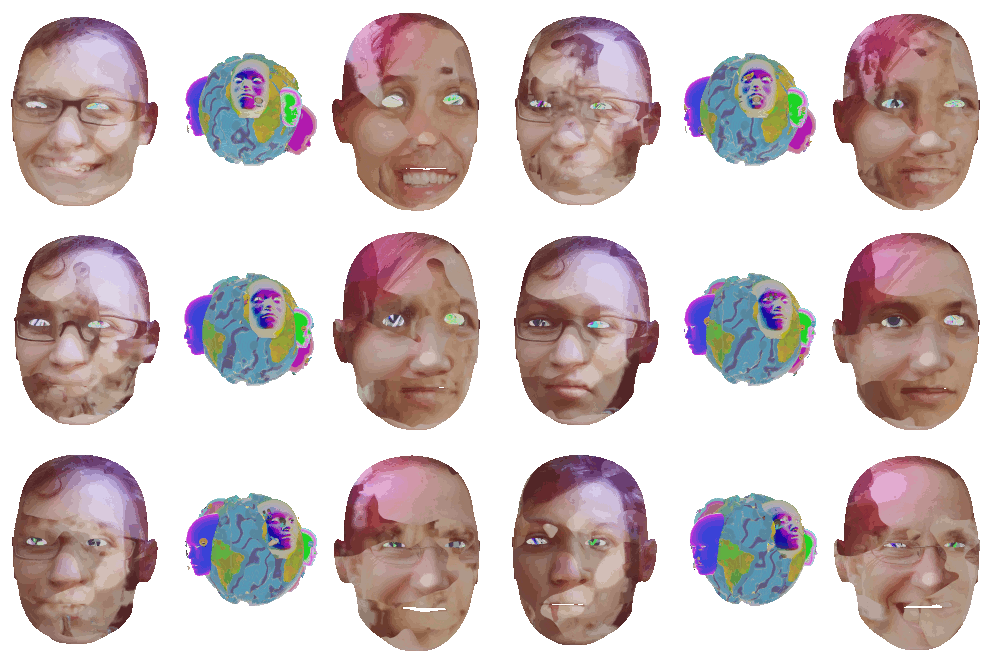
As you may have seen in this blog post I made use of FFmpeg’s minterpolate motion interpolation options to make all of the faces morph. There’s quite a few options for minterpolate and many different combinations of options that can be used. i had to consult Wikipedia to figure out exactly what the different motion estimation algorithms were but even with that information I couldn’t visualise how it would change the output. To add to this how I’m using minterpolate isn’t a typical use case.
Towards the end of the Let’s Never Meet video the robotic faces slowly morph into something a little bit more human-like.
These faces continue to morph between lots of different faces, suggesting that when getting to know people you can never really settle on who they are. To make the faces morph I used motion interpolation to morph between each face. Here’s what Wikipedia has to say about motion interpolation.
For the majority of my career in art I’ve been primarily known for my visual artwork. I’ve dabbled in making noises with my Sonification Studies performances (which may make a comeback at some point) but it’s only since my 2018 performance at databit.me that I’ve regularly made and performed music.
On the performance side I’ve mostly used TidalCycles. You may have seen that I have been doing live streams of my rehearsals.
For the Improvizgifs one of the requirements that Rumblesan set is that the gifs loop seamlessly. That is, one would not be able to tell where the gifs beings and ends. In Blender making an animation seamless is pretty easy. There’s lots of examples out there but for completion here’s my simple take on it.
With the default cube selected press I and then press on Location. This inserts a keyframe for the location (this menu can also be accessed in Object > Animation > Insert Keyframe). On the Timeline at the bottom move the animation 20 frames. Then, move the cube to somewhere else.
For this work I decided to use a similar aesthetic and process to Visually Similar. I talked a little bit about the process behind Visually Similar in a June’s Development Update. The node tree to overlay each of the transparent textures looked a bit like this.
[caption id=“attachment_11040” align=“alignnone” width=“499”] Click to embiggen[/caption]
When trying to do the same with the Toggler artwork I came across something weird that meant some textures just weren’t showing. So I decided to ask on Stack Exchange and Reddit why this might be the case.
In this final part of this three-part series I’ll be going over installing Xuan Ye’s work in the Bcc exhibition. This work posed a similar challenge to Scott Benesiinaabandan’s work. I needed to automatically load a web page except this time I needed to allow for user interaction via the mouse and keyboard.
The artwork isn’t online so I’ll again go over the basic premise. A web page is loaded that features a tiled graphic with faded captcha text on top of it. The user is asked to input the text and upon doing so is presented with a new tiled background image and new captcha. This process is repeated until the user decides to stop.
The next artwork that was challenging to install was Monuments: Psychic Landscapes by Scott Benesiinaabandan.
I won’t be showing the full artwork as all of the artworks were exclusive to Bcc: and it’s up to the artists whether they show it or not. On a visual level the basic premise of the artwork is that the viewer visits a web page which loads an artwork in the form of a Processing sketch. There is a statue in the centre which becomes obscured by lots of abstract shapes over time whilst an ambient soundtrack plays in the background. At whatever point the viewer chooses they can refresh the screen to clear all of the shapes, once again revealing the statue.
I took a bit of a break from writing the Development Updates. September was pretty busy with Bcc: (more on that below) and then I was completing a commission for Will’s Kitchen/The Shakespeare Birthplace Trust and preparing for my solo exhibition, We Are Your Friends.
With all of that now completed I’m writing a few posts about one project in particular: Bcc:
The Bcc: exhibition opened at Vivid Projects on Friday 6th September. It was a collaboration between Vancouver-based Decoy Magazine and Birmingham-based Vivid Projects. The exhibition featured a curated selection of works from Decoy Magazine’s online art subscription service called Bcc:. The basic premise is that each month you’d get specially commissioned art in your e-mail inbox.
Earlier this year fellow visualist and live coder Rumblesan commissioned me to make some gifs for his new live coding software, Improviz. In July he unleashed it into the world!
Looking at the above videos you could easily be forgiven for thinking that it looks a bit like LiveCodeLab. He is, after all, one of the developers of LiveCodeLab. However, Improviz differs in a few ways. As Rumblesan himself explains in the Toplap chat:
The following is compiled from a bunch of Tweets that I made in December 2018. After reading you’ll see why I have to write it here! While it is not directly related with programming or making art, it does help with Getting Things Done, so I decided to include it here.
Like many people I’ve started to remove myself from a lot of social media websites. First was Facebook in 2017. The reason for this is that was really annoyed that it was using nostalgia to manipulate me into staying on the website. In shoving 10 year-old photos into my view through the On This Day feature it was giving me little hits of dopamine by reminding me of the good ol’ times, even if they were 10 years ago with people that, for whatever reason, are no longer part of my life.
For the AlgoMech 2019 festival in June I created a new performative drawing piece, A Perfect Circle. The piece is about how we interface with computers that analyse our activities. It consists of a video and accompanying plotter drawings.
Making A Perfect Circle presented me with a few challenges. The make the video element I hacked together a couple of Processingscripts that did basic motion tracking by following a user-specified colour. It would draw these lines, creating new lines (instead of adding to an existing line) at each major turn and giving them a unique colour.
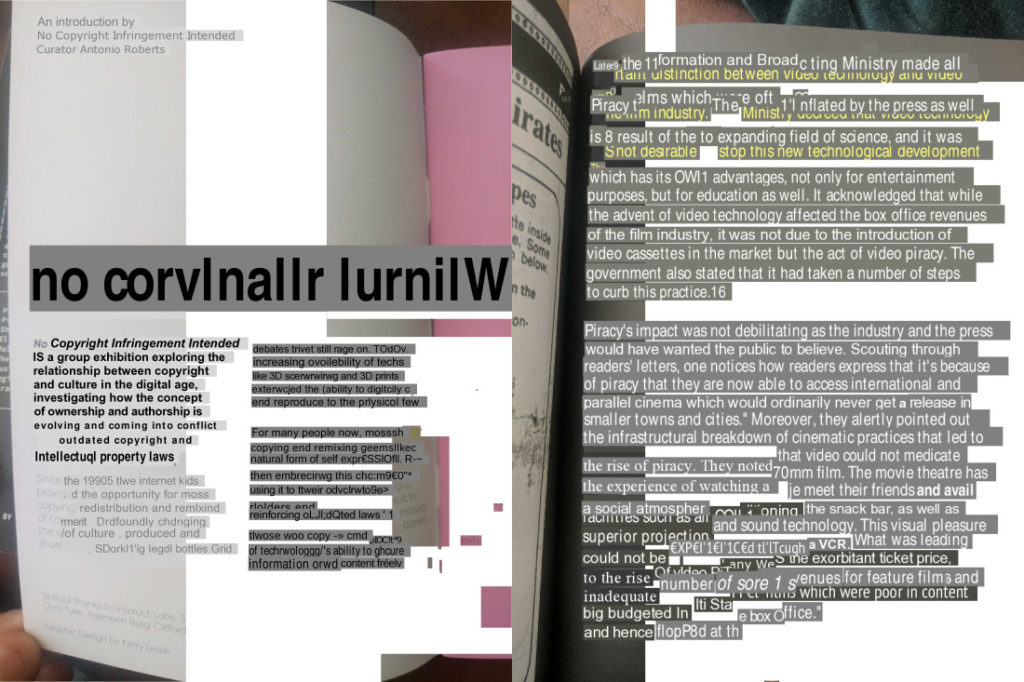
For the Algorave at British Library in April I was asked to make a promotional video for it, which proved a difficult but for a very specific reason. I wanted to emphasise the liveness of live coding and show code being typed. For this I used the code supplied with Alex McLean aka Yaxu’s excellent Peak Cuts EP.
The effect of having the text appear word-by-word or letter-by-letter is often called the typewriter text effect. I’ve previously written about how to do this in Pure Data/GEM. I needed to have a bit more control than what I got in PD, and I needed to export as transparent pngs so this solution wouldn’t work.
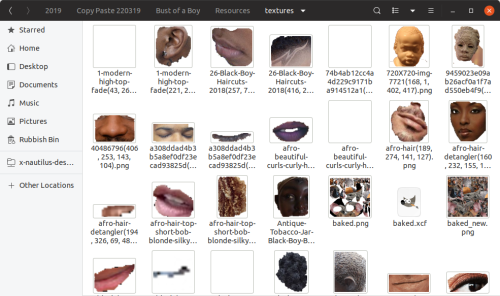
Another big part in creating the Visually Similar artwork was the image textures themselves. The idea for the piece is that the textures would be related in some way to the 3D model. I decided from the beginning that I wanted to have some control over this and so I gathered the images through keyword searches and reverse image searches.
But then I needed to cut out certain parts of them. I wanted it to look like a rough collage, as if the images were pages in a magazine that had been ripped out, leaving behind tears and occasionally ripping through the important bits.
Making digital art is quite a lengthy process and even moreso if you’re using non standard processes or making your own software. For awhile I’ve wanted to write about my processes and how I’ve overcome the bugs and problems. In what will hopefully be a regular series of blog posts I’m going to give a bit of insight into this process. In a way it’ll be a tutorial. Let’s go!
On Thursday 16th September I’ll be giving a talk at Birmingham Linux User Group about the issues affecting artists who adopt open source and free culture into their practice.
I have done a talk about open source and art once before at the LUG, which was well received despite the audience being mostly techies (maybe they’re artists at heart!). This talk extends greatly on what was said and goes into issues of copyright and what experiences I’ve had as an artist in the open source world
On Saturday I went along to the Digital Inclusion Unconference hosted by We Share Stuff. I went there tot try and gain more ideas for fizzPOP as part of it is about getting new people in who may not have otherwise dabbled with technology.
Of the four discussions that I took part in two really caught my attention. The first was the talk on what digital inclusion actually is and what it means. After an hours discussion and lots of note taking I still don’t think I was any closer to deciphering what it means to be digitally included
I’ve been doing quite a bit of messing around with Alchemy. Whilst in search of solution for a problem in Blender I came across a rather awesome time-lapse digital painting from an upcoming Blender Foundation project, Durian. Not only was I blown away by the skill of the artist but also by the software that he uses. I’m an open source nut so was really glad to see him use GIMP and other open source software to produce his piece. One particular piece of software that stood out to me was Alchemy.
One of the things I’ve always wanted to do is to work on an image in a 3D environment but then export the resultant image to an svg. Being the open source nut that I am my main weapons of choice are Blender for 3D work and Inkscape for vector. These programs have their advantages and their disadvantages. The main advantage they have over many similar programs is that they’re open source and free. They’re very capable products and are used quite widely and are being actively developed. In fact, Inkscape is getting ready to release version 0.47 (I’ve used a prerelease and it’s awesome)
…an experiment in sharing art, text, and code–not just sharing digital files themselves, but sharing the process of making them. In place of the single-artist, single-artwork paradigm favored by the overwhelming majority of studio art programs and collection management systems, The Pool stimulates and documents collaboration in a variety of forms, including multi-author, asynchronous, and cross-medium projects.
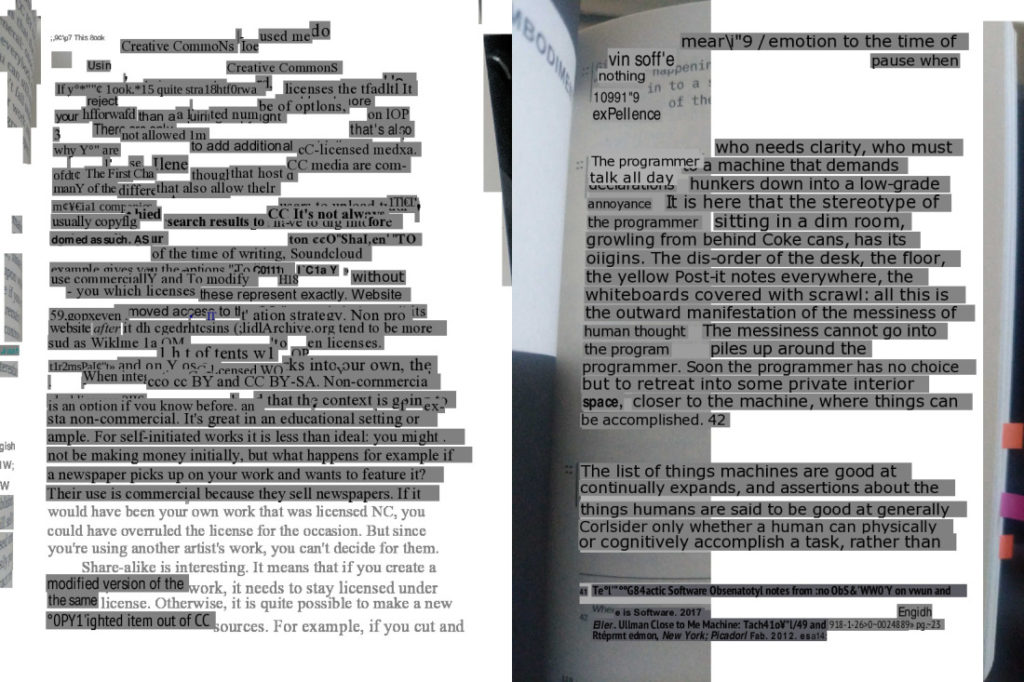
Reading Floss+Art really has got me wondering if art should be free. By free I don’t mean public domain, but rather in a way that ensures the work stays free, such as releasing their work under Creative Commons or some similar Copyleft licence?
When I approached this question I split it into two questions, should art be free and should design be free. To clarify, I see art as something more aesthetic, more pleasing to the eye. I don’t think it strictly is there to answer questions, but more to raise them. It’s like a fiction book, which isn’t there to provide facts, but to entertain.
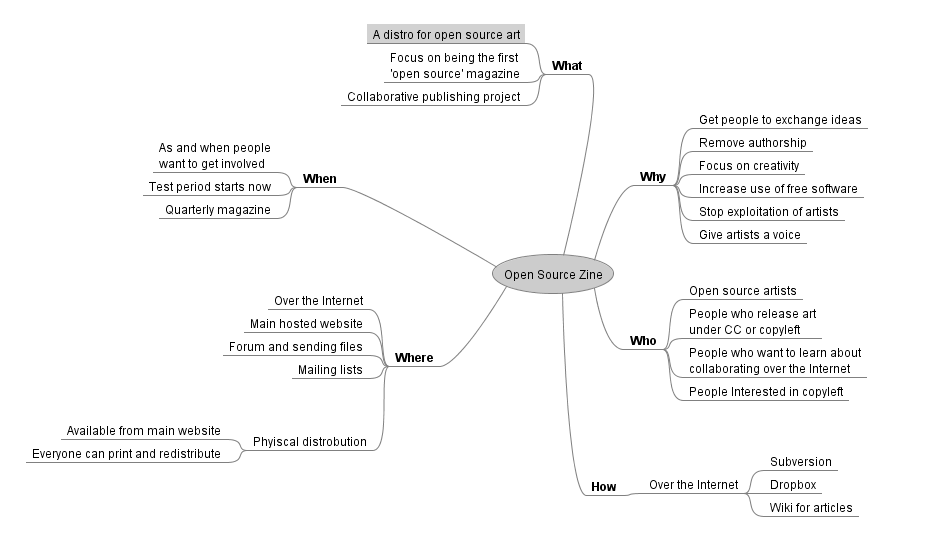
Here’s some more progress on the open source zine idea I’ve had recently. I’ve been seeking advice on the Inkscape and GIMP forums, but feel free to add any thoughts ;-)
I’m going to be moving into exclusively using open source software to create artwork in the near future*. More on why once I get my head around some of the software.
*that is unless it’s completely necessary that I use a piece of commercial software e.g. GMIP doesn’t support CMYK, yet Photoshop does.
I need to get more done on my vjing work. So far I’ve done very little of it, and even less djing. I’ve been messing around with Pure Data, Xaos and Processing in an attempt to get some live processed images, and I’m now taking a peek at Ben Neal’s Phlumx software, but what I wonder is if I need to go look at more professional software…
Here’s a sample of what I’ve done. It was for a project at university to create a video about ‘Speed’ (created in Adobe Premier).
I think that the general consensus is that Open Source software apps such as Inkscape, GIMP and Blender will never replace their industry standard counterparts because there’s nothing wrong with these products in the first place. FOSS packages such as Open Office and Firefox (and to a lesser extent Ubuntu) have only really gained popularity because their counterparts are kinda rubbish. Neither Microsoft Office or Internet Exploder are as standards compliant as their FOSS counterparts and, in relation to Microsoft Office, you can save a lot of money by using Open Office that, whilst it has its flaws, offers very similar functionality to Microsoft’s product at zero percent of the cost! Brilliant!