tag: Processing

Select objects of similar size in Inkscape

For the AlgoMech 2019 festival in June I created a new performative drawing piece, A Perfect Circle. The piece is about how we interface with computers that analyse our activities. It consists of a video and accompanying plotter drawings.

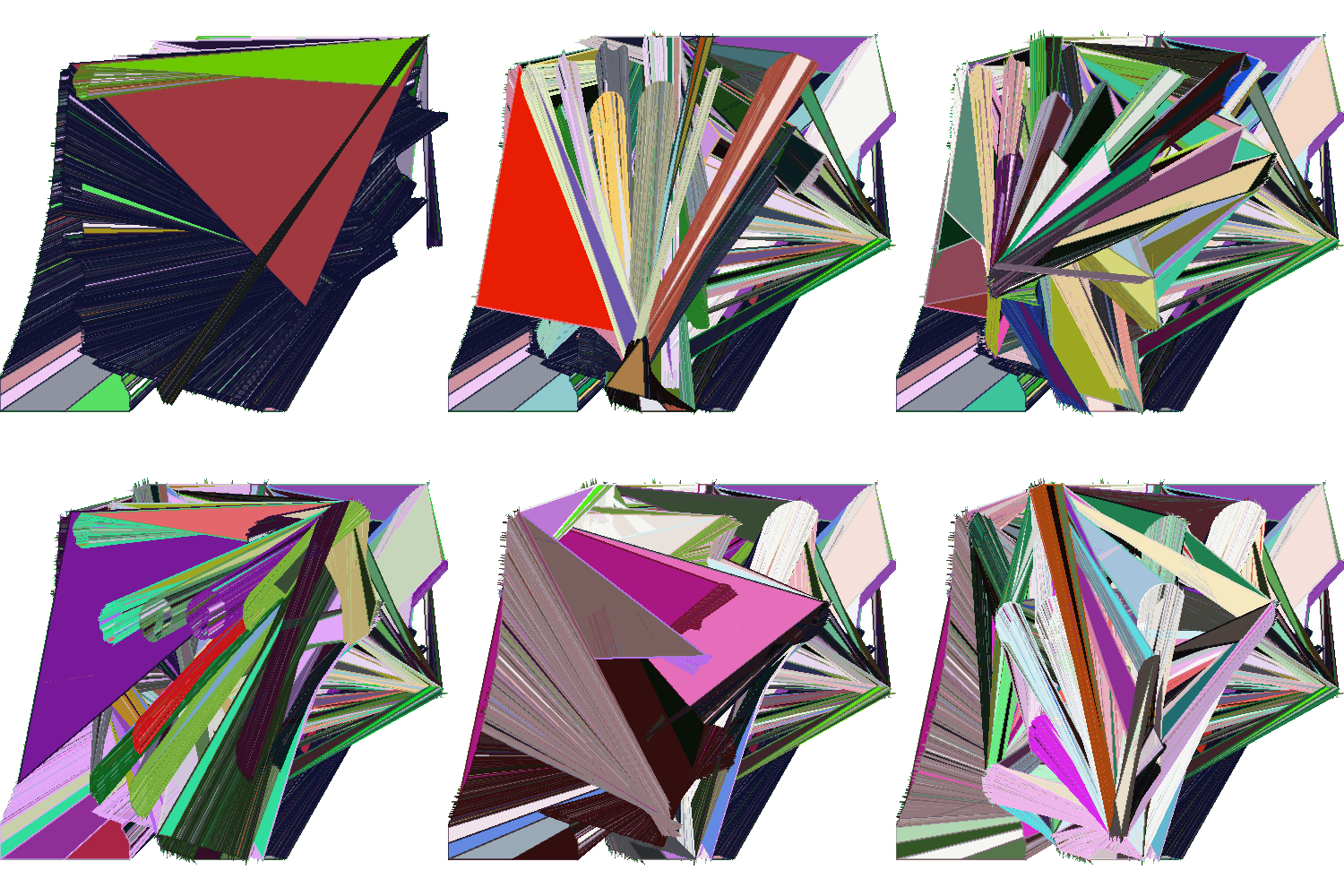
Making A Perfect Circle presented me with a few challenges. The make the video element I hacked together a couple of Processing scripts that did basic motion tracking by following a user-specified colour. It would draw these lines, creating new lines (instead of adding to an existing line) at each major turn and giving them a unique colour.

OSP Print Party

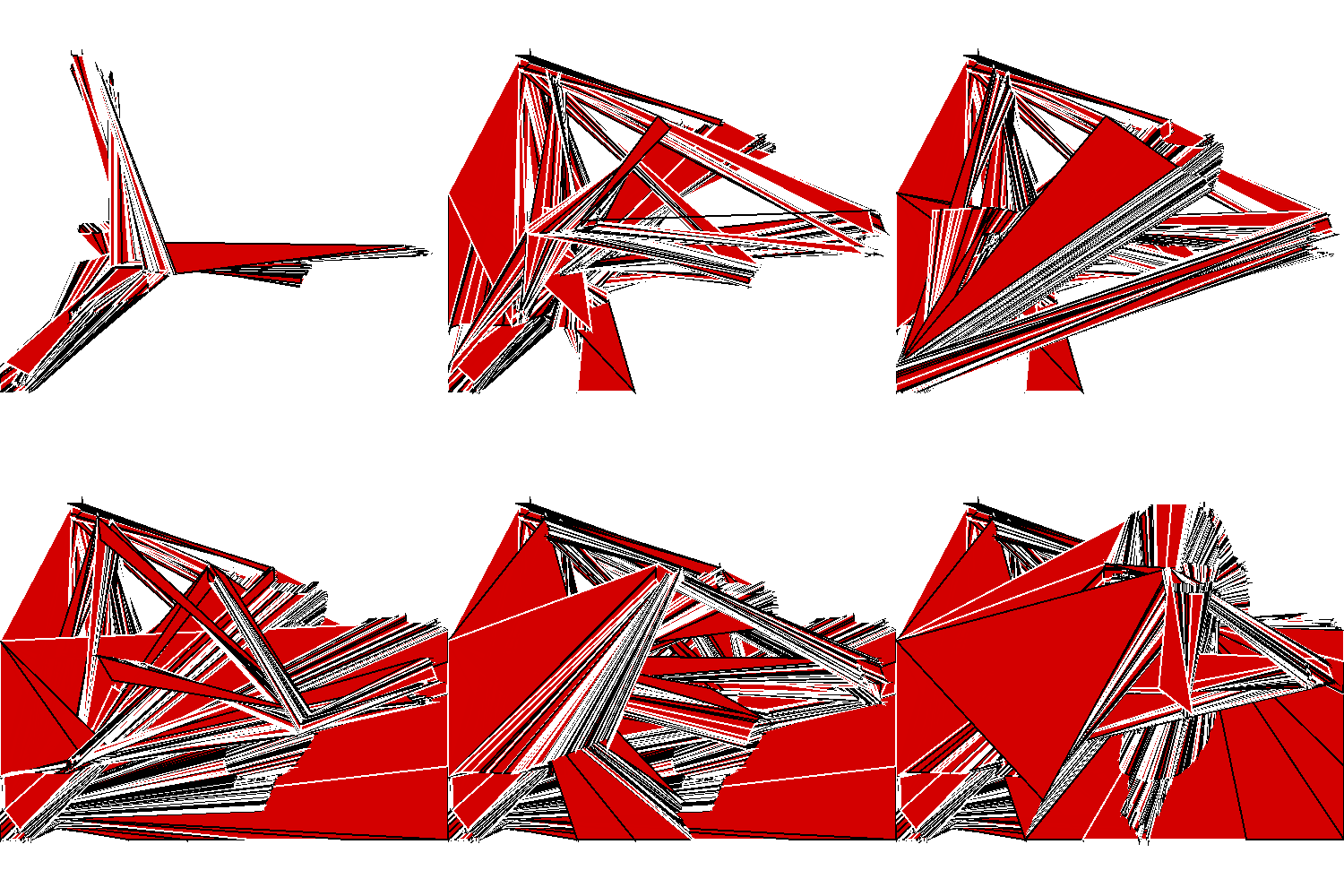
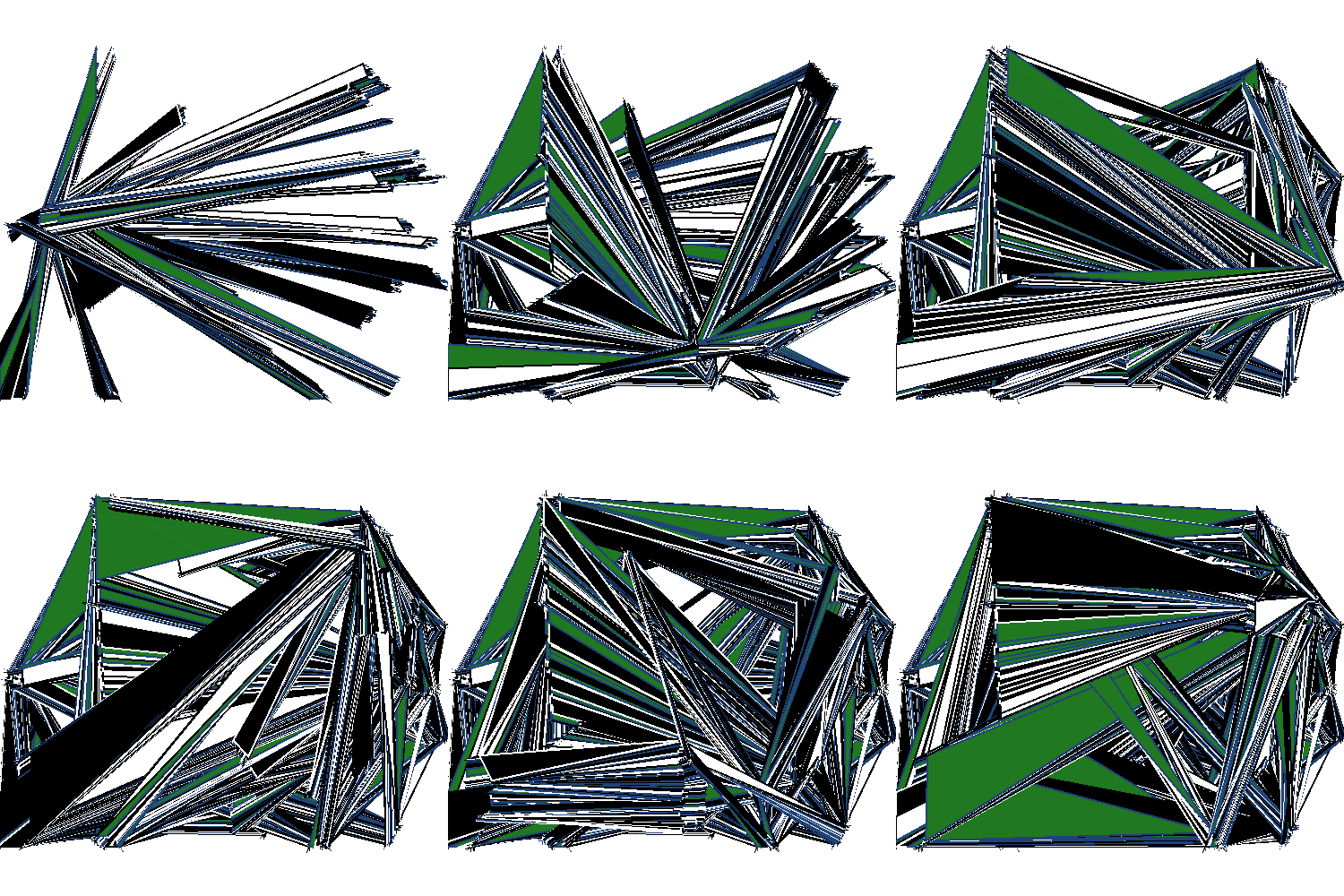
For OSP’s Print Party on October 18th I made a bunch of new software and modified some old software that did sonification of text, bitmap, and vector images. I saw it as a way to differently engage with the usually static images featured throughout the festival. Here’s some of the visual output from a Processing sketch that, when combined with Pure Data, would redraw an SVG and convert it to sound:


Random date generator

Planning any sort of meeting? Don’t leave it to common sense to decide on the most appropriate time, use this random date generator instead!

Click to download
Click to download

Originally built for a.a.s, you can download a copy for yourself. Once loaded press Enter to stop on a date. The date is generated in the format dd/MM/yy/hh/mm/ss. You’ll need Processing and the Commodore 64 font (convert it using Processing), though you can use any font if you want.


VJing

I need to get more done on my vjing work. So far I’ve done very little of it, and even less djing. I’ve been messing around with Pure Data, Xaos and Processing in an attempt to get some live processed images, and I’m now taking a peek at Ben Neal’s Phlumx software, but what I wonder is if I need to go look at more professional software…

Here’s a sample of what I’ve done. It was for a project at university to create a video about ‘Speed’ (created in Adobe Premier).