Tired

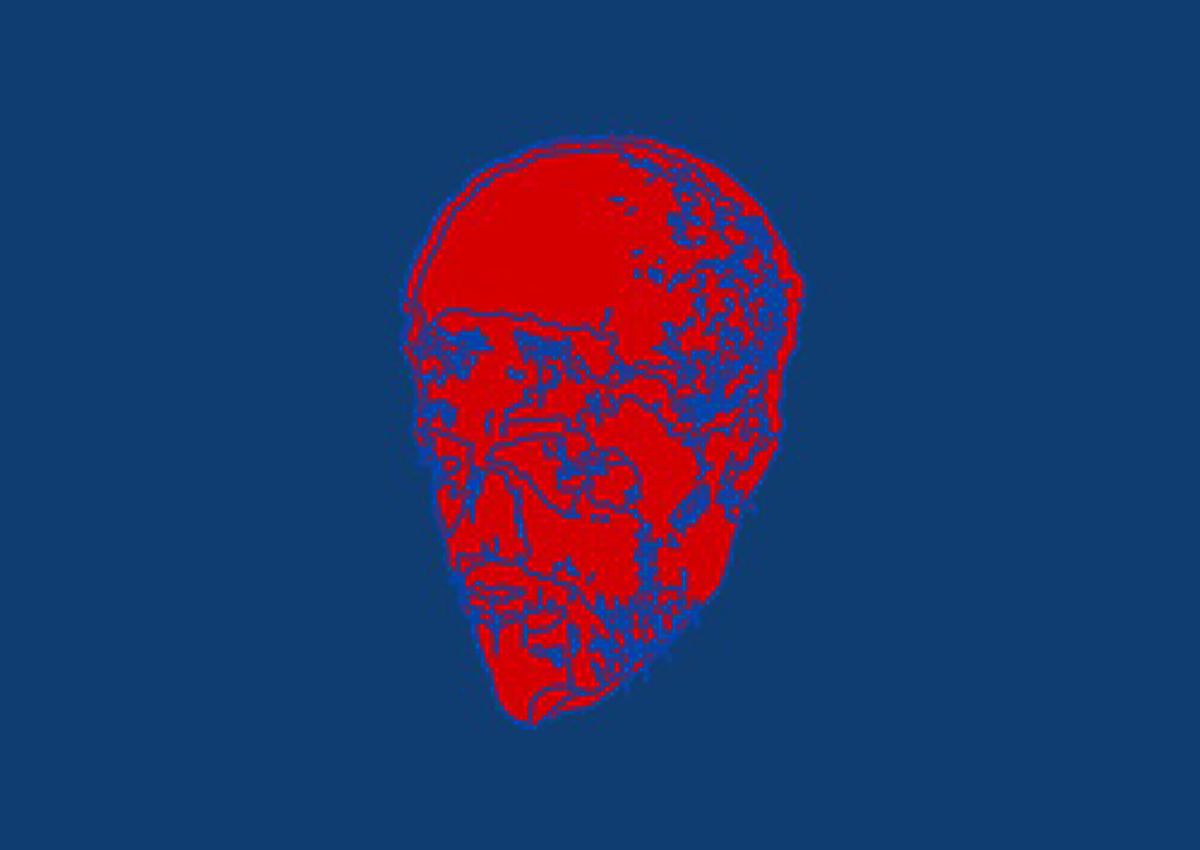

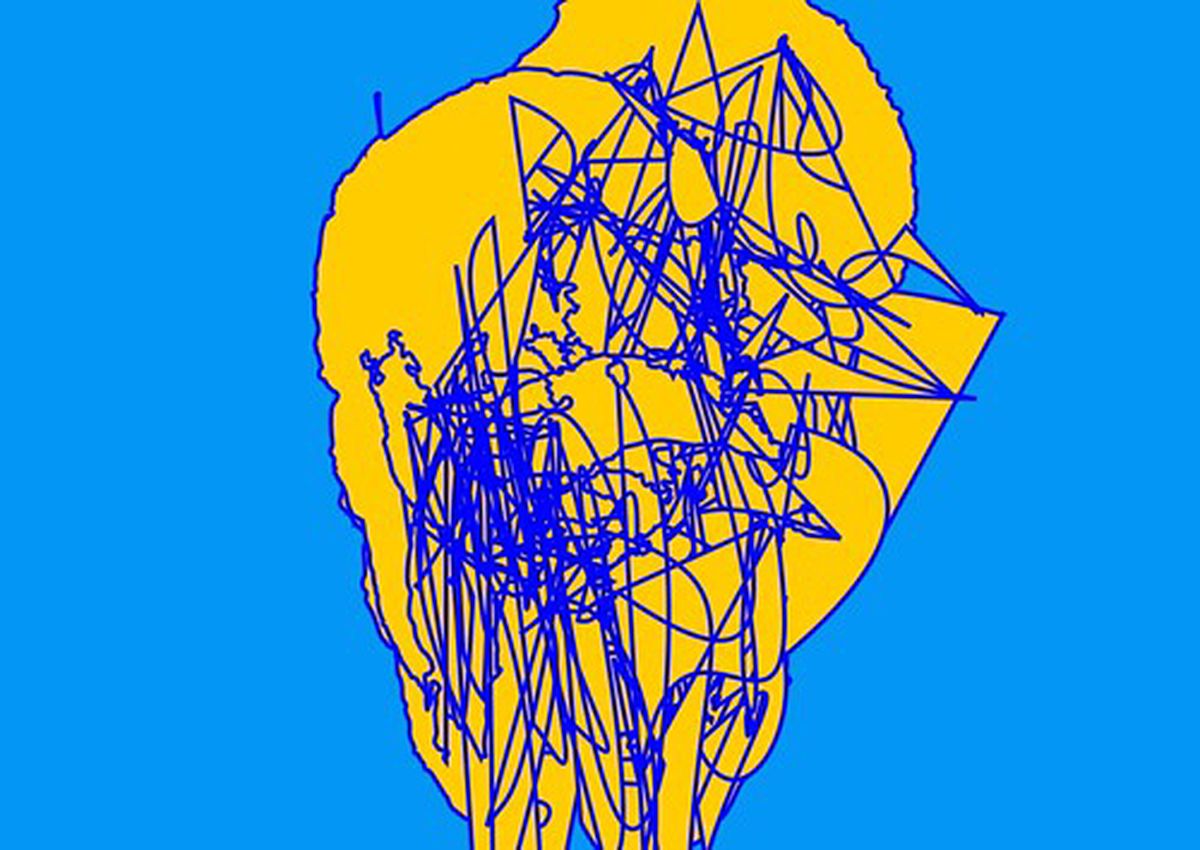
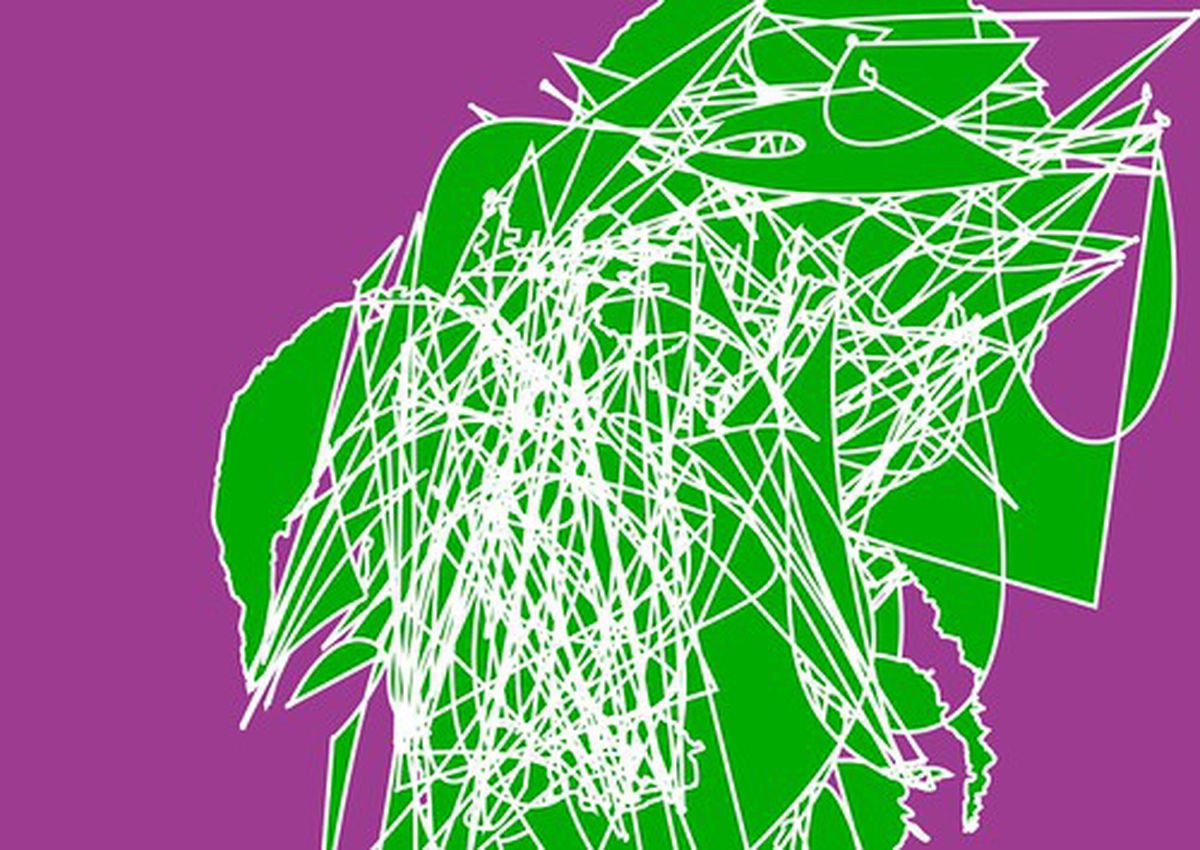
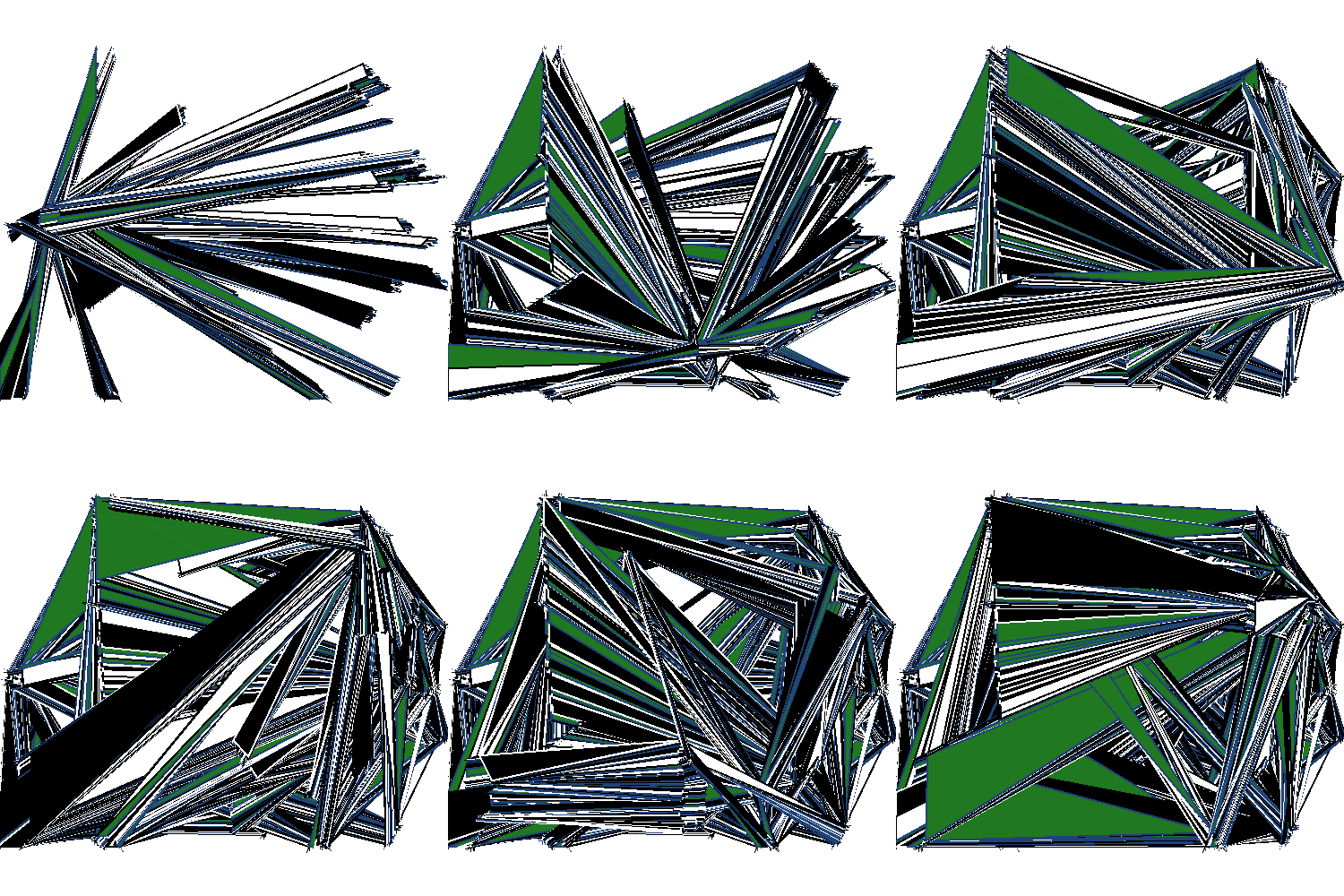

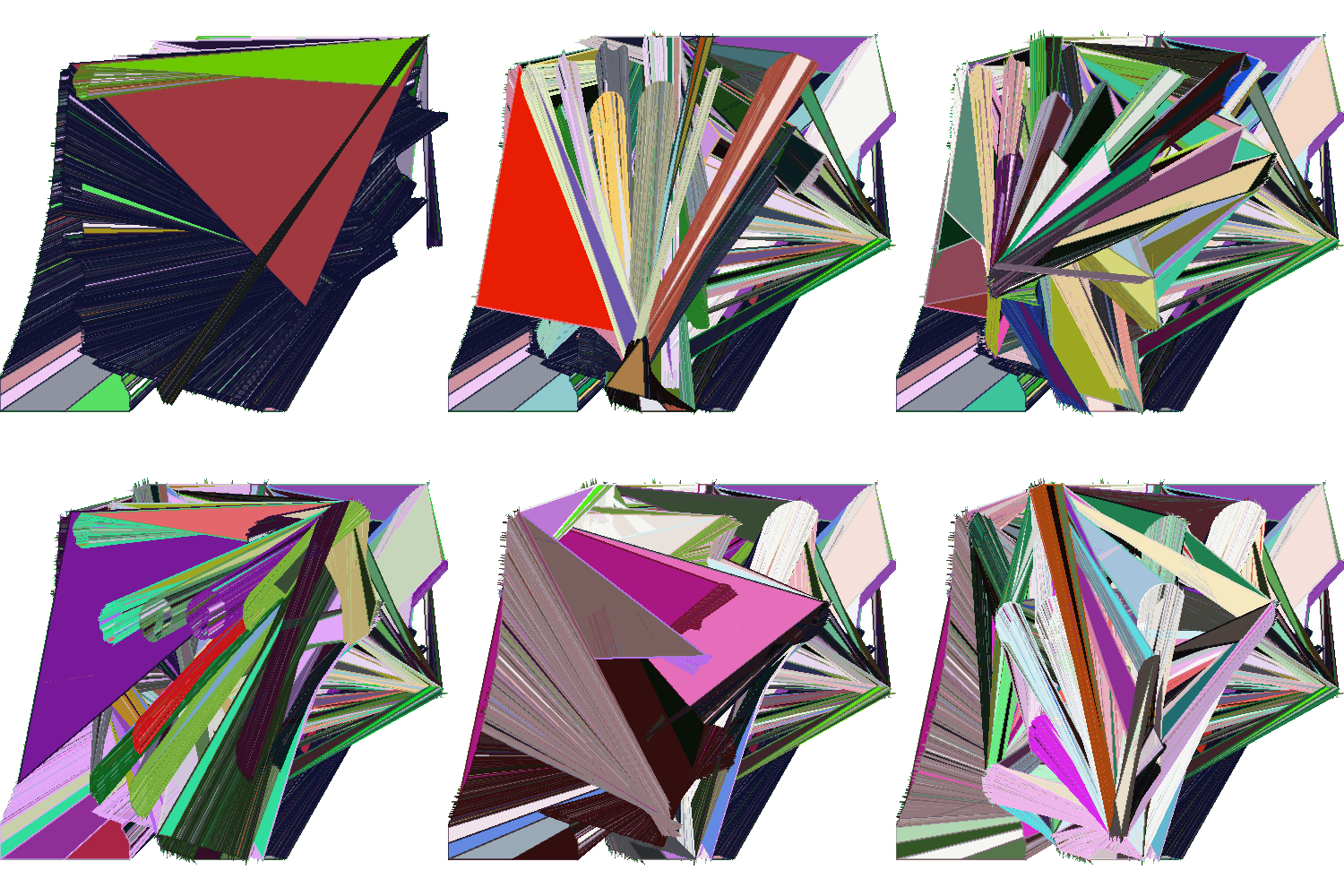
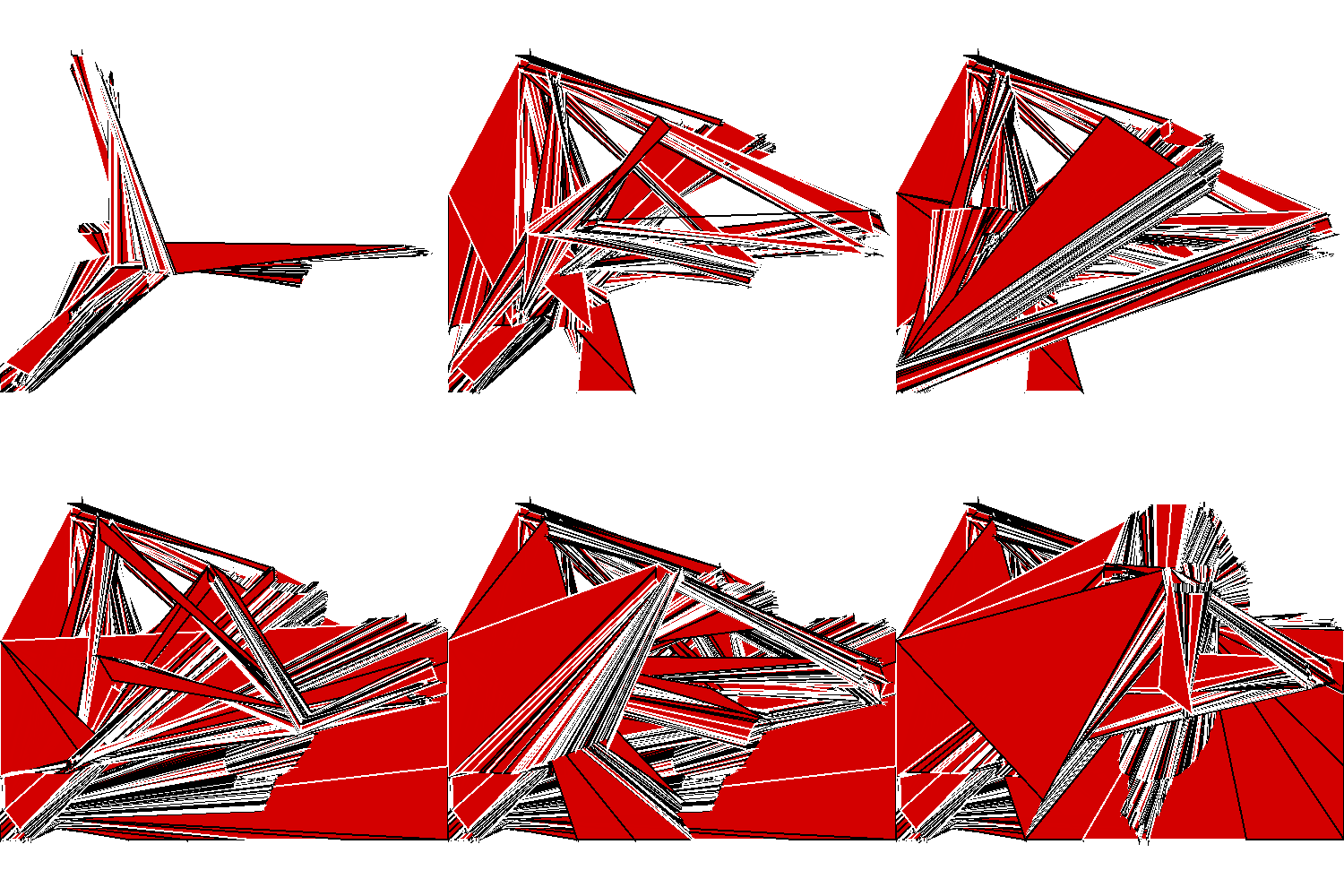

Comics Sans Must Die ended some time during the week of GLI.TC/H 2112. Although it only lasted just over a month long, the creation of Comic Sans Must Die actually started in July 2010 when I stumbled across the Geomerative library for Processing as a way to manipulate SVG files. After a bit of fiddling with one of the example files I was able to take (almost) any SVG file and gradually reduce it over time.
I’ve been a part of the deviantART community for a lot longer than I have had a blog or website. I used to be very active but then drifted slightly away ‘cause of the whole blogging thing though recently found myself at one of the devMeets. It’s a great way to meet other amateur, hobbyist and even professional artists, photographers and creative types. In an attempt to get back into the swing of things I created myself a new ID image:
I’ve been exploring databending for awhile now and whilst I quite like it I do wonder where it can go next, or rather, where I can take it next. Whilst I like the chaos and apparent random results achieved in opening up an image file in a hex/text editor and mucking around I feel that more could be done with the result. I feel that the modified image (or sound) should part of a design, not the design itself. With that in mind I’ve been doing an experiment mixing the chaotic but more controlled output of Alchemy and several modified images
One of the things I’ve always wanted to do is to work on an image in a 3D environment but then export the resultant image to an svg. Being the open source nut that I am my main weapons of choice are Blender for 3D work and Inkscape for vector. These programs have their advantages and their disadvantages. The main advantage they have over many similar programs is that they’re open source and free. They’re very capable products and are used quite widely and are being actively developed. In fact, Inkscape is getting ready to release version 0.47 (I’ve used a prerelease and it’s awesome)
I’ve been messing around with Inkscape a lot recently and have found a few cool tricks. This all originally started as an attempt to recreate an effect I saw on the Inkscape website but quickly evolved into something different.
Here’s an example of the output I achieved.

What’s interesting about this is that it’s mostly the work of filters. For this tutorial we’ll be working with text in Inkscape 0.47pre0. To illustrate things better use a font that is very think. Even Arial Black will do. Create two different text objects
Here’s the last in my daily pictures for this week. I’ve a busy weekend of parties and more parties, so I’ll do a whole week of drawing another week.

I’ve spent most of my day feeling a little bit ill and learning how to use Blender, so this is more of an experiment than anything. I used a tutorial by istarlome to create this. I found that if you check the Colour option under the Trace tab it will attempt to colour the image as well. Using Inkscape to create halftones could well be a powerful way to do it and gives you many options for editing and customisation.
I missed yesterdays image, so here it is today. I could’ve shown it last night but it just looked terrible, so thought I’d do some more on it first.
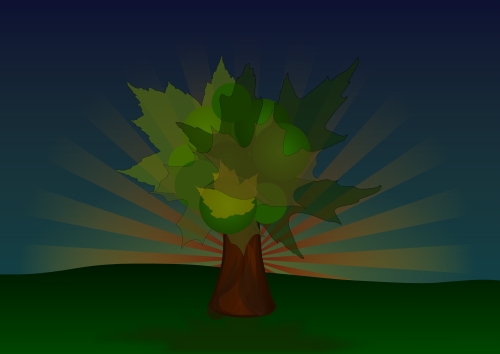
I think I like trees, especially judging by the number of trees in my sketchbook!
Still got another one to do today, and then I’ll call it quits
I need a hair cut. What’s your opinion, do I keep my hair as it is or go minimalist?

I’m not a very Christmasy type person. I’m not against it or anything, I just don’t really get into the spirit of it. However, I just heard a very festive song on the radio and since that all I can see are Christmas Trees! So here’s one for ya!

A little something for you guys for the winter

I’m currently pursuing other things, like invigilating at the Heard and Not Seen exhibition amongst other stuff, which I’ll be sure to let you in on in due course ;-)
I’m gonna try and do a vector drawing every day this week. We’ll see how this pans out, though I think it could go well as this only took 30 mins to do.
This is my submission for the Illustration Friday topic, Vacant

I interpreted vacant to mean blank and with that came the image of a blank piece of paper. A blank paper is very daunting to many artists and it’s no different with me. However if I start at a paper and think long enough usually ideas just start to come out at me. I portrayed this by using very light colours for the lettering and scenery.
![I had a slightly mild cold (working title) [wip]](/blog/i-had-a-slightly-mild-cold-working-title-wip/images/ggs_hu_bf4d50763644c5b2.jpg)
This is something that came from a drawing session awhile back. I took one aspect of the drawing and started repeating and morphing it. I’m thinking of incorporating some miscellaneous objects in there somewhere.
Here’s another screenshot. ![Self Portrait [wip] pt2](/blog/self-portrait-wip-pt2/images/ss-20081024151653_hu_9a3af9296550efbe.png)
Having some problems with the hair though…
Haven’t done a portrait in a while, let alone a self-portrait.
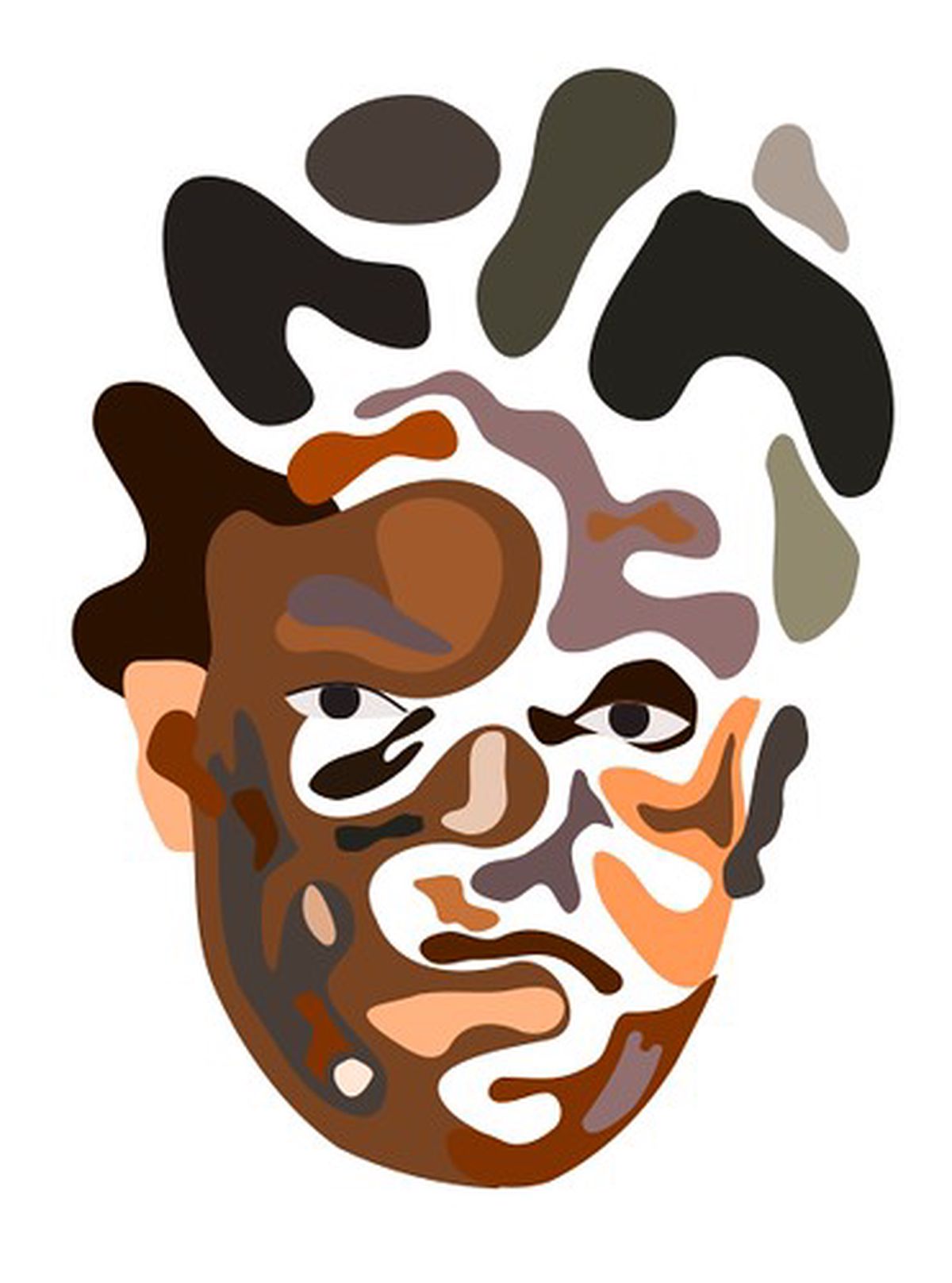
Just a work in progress. To be completed sometime soon

Watch as it flies by….

This was originally going to be for Illustration Friday’s Packed topic but I hadn’t yet gotten to grips with Inkscape so it was late. Ah well, here it is for your enjoyment!
This work is licensed under a creative commons licence: Attribution-Share Alike 2.0 Generic
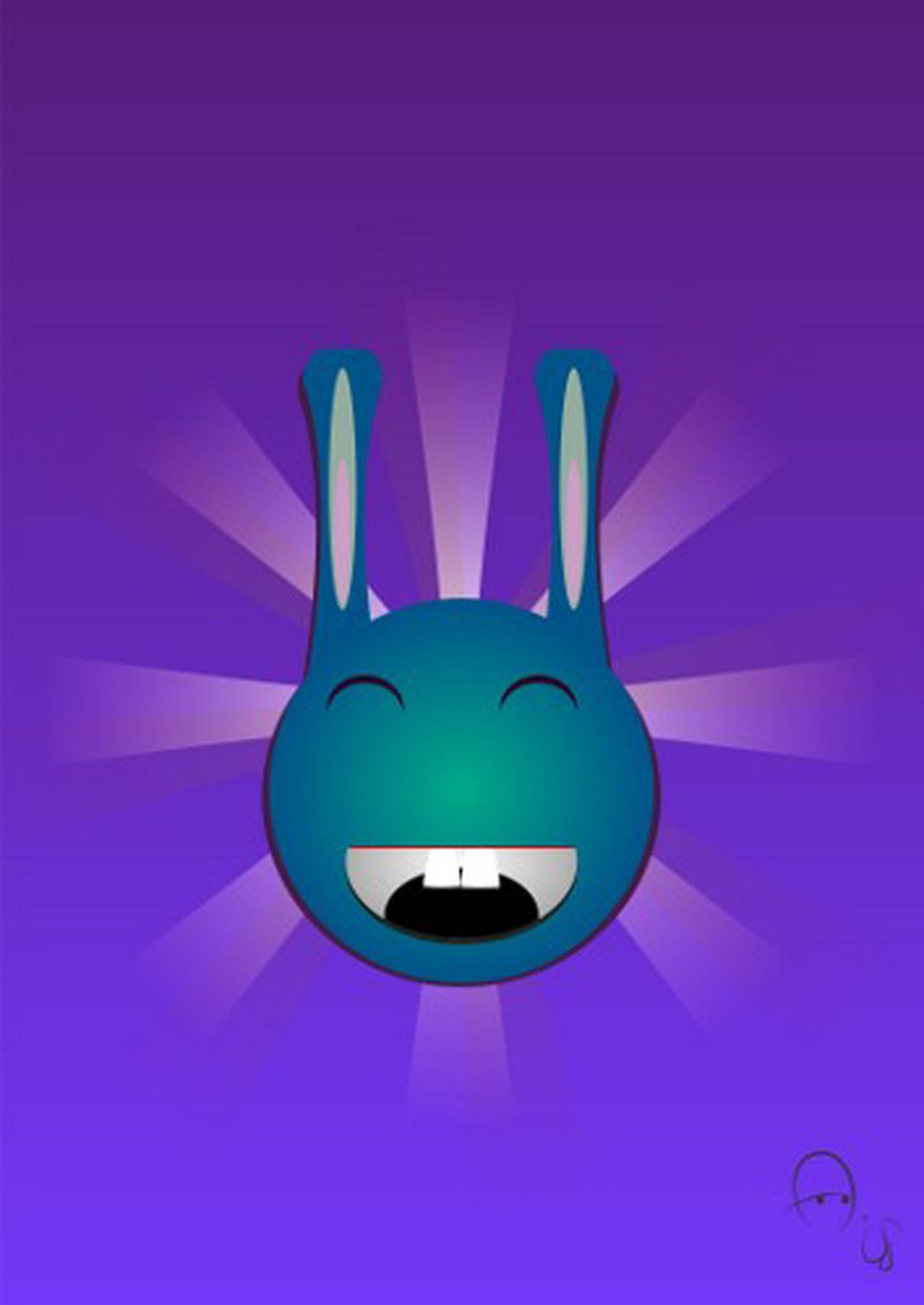
Something I did on the train to Leicester. A bunny drawn in Inkscape. A very happy one at that, despite being blue.
Some new work. Inspired by a friend who got a nose bleed on Saturday. 
Inkscape getting that little bit easier to use. Would be great if it didn’t slow down a lot!
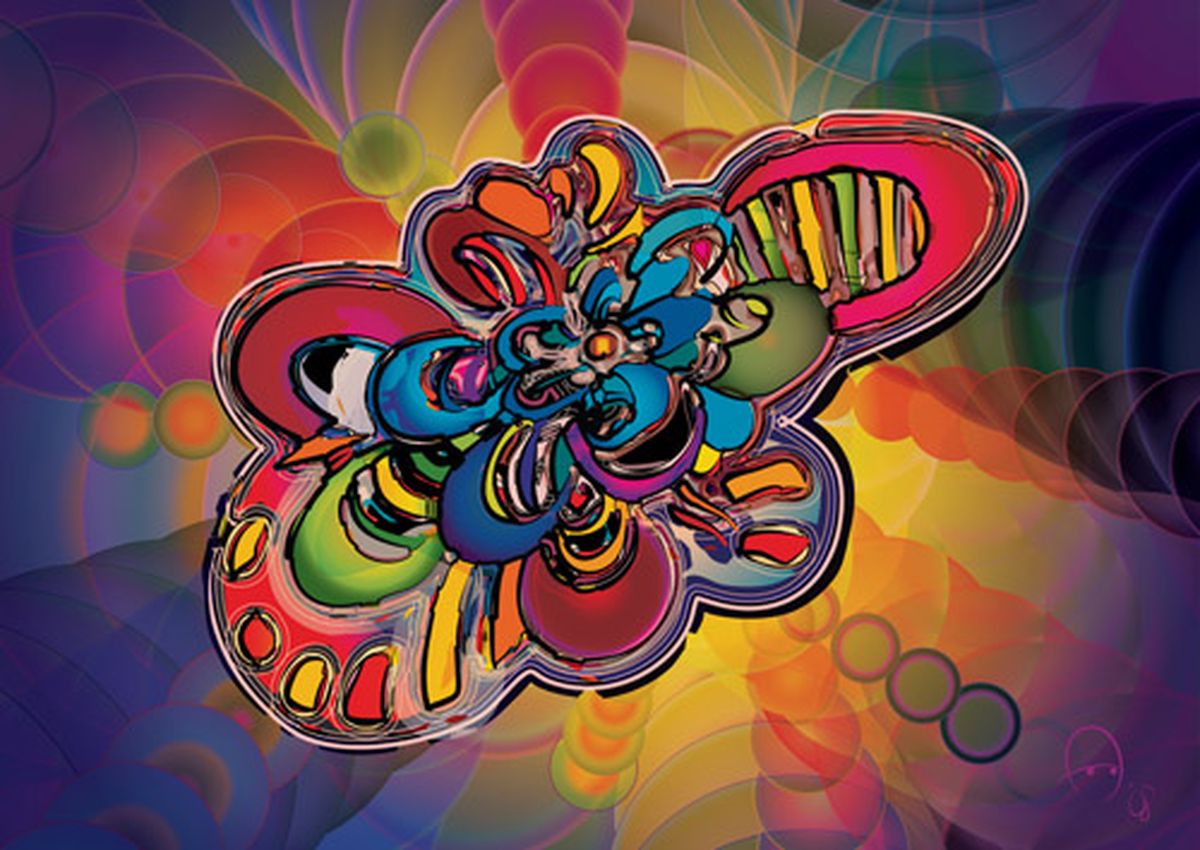
Some more new abstract work. Check out my portfolio for more
78|500
Some new vector artwork from me. It’s one of a series of abstract pieces revolving around the use of letter-like symbols and very vibrant colours. Some more portraits coming soon. Check my portfolio for more. Ya heard!
56|400
Under some very handy advice from some wise people I’ve gone back and given all of my pieces names. Seems only right that I should name them, afterall I wouldn’t name my child ‘Untitled’! Only three more of these to go, then you’ll see some work that’s more akin to graffiti.
My friend Mez informed me that Amarok, the popular media player for Linux and Unix systems is starting its own radio station, imaginatively called Radio Amarok. Whilst I didn’t want to design the website, I did have the pleasure of designing a new logo. After various attempts the panel chose this design:
