tag: Inkscape

Select objects of similar size in Inkscape

For the AlgoMech 2019 festival in June I created a new performative drawing piece, A Perfect Circle. The piece is about how we interface with computers that analyse our activities. It consists of a video and accompanying plotter drawings.

Making A Perfect Circle presented me with a few challenges. The make the video element I hacked together a couple of Processing scripts that did basic motion tracking by following a user-specified colour. It would draw these lines, creating new lines (instead of adding to an existing line) at each major turn and giving them a unique colour.


Extrude in Inkscape

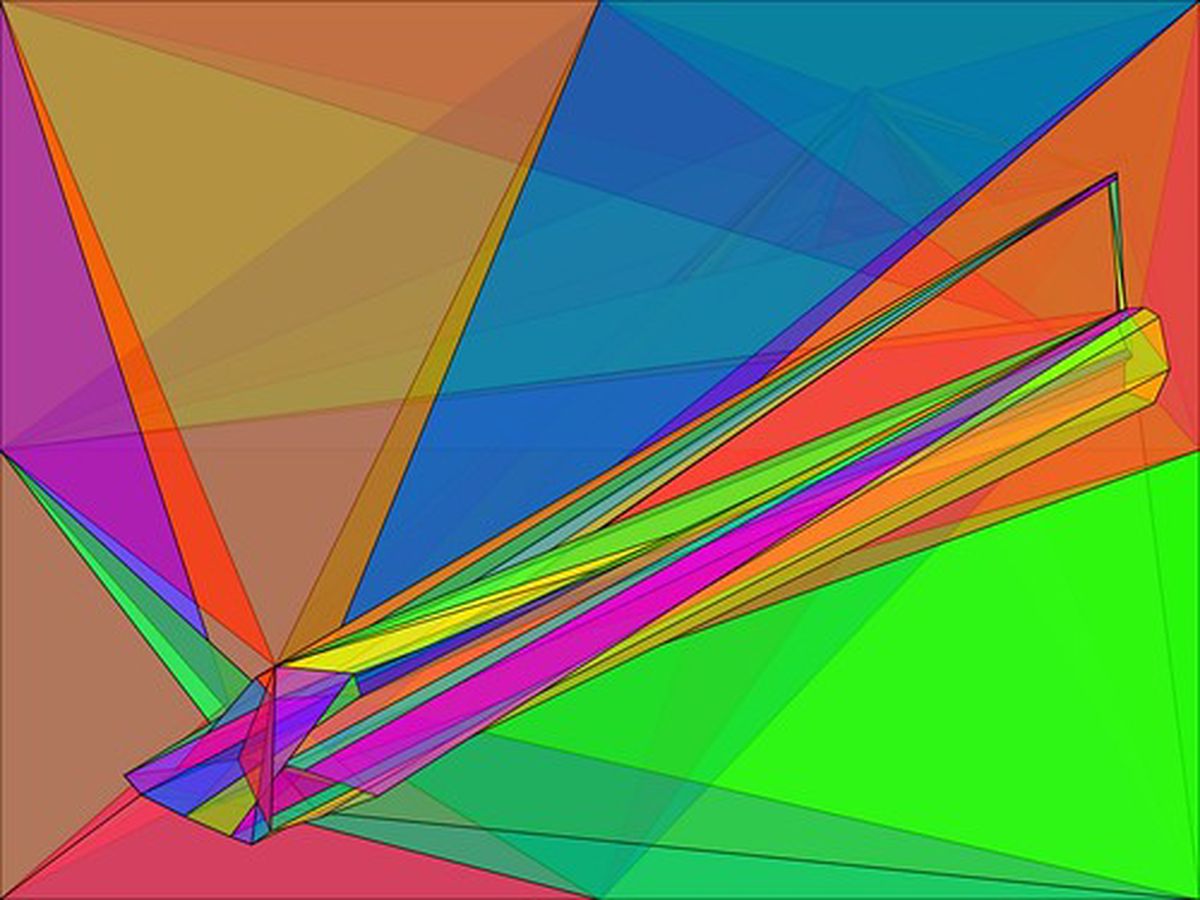
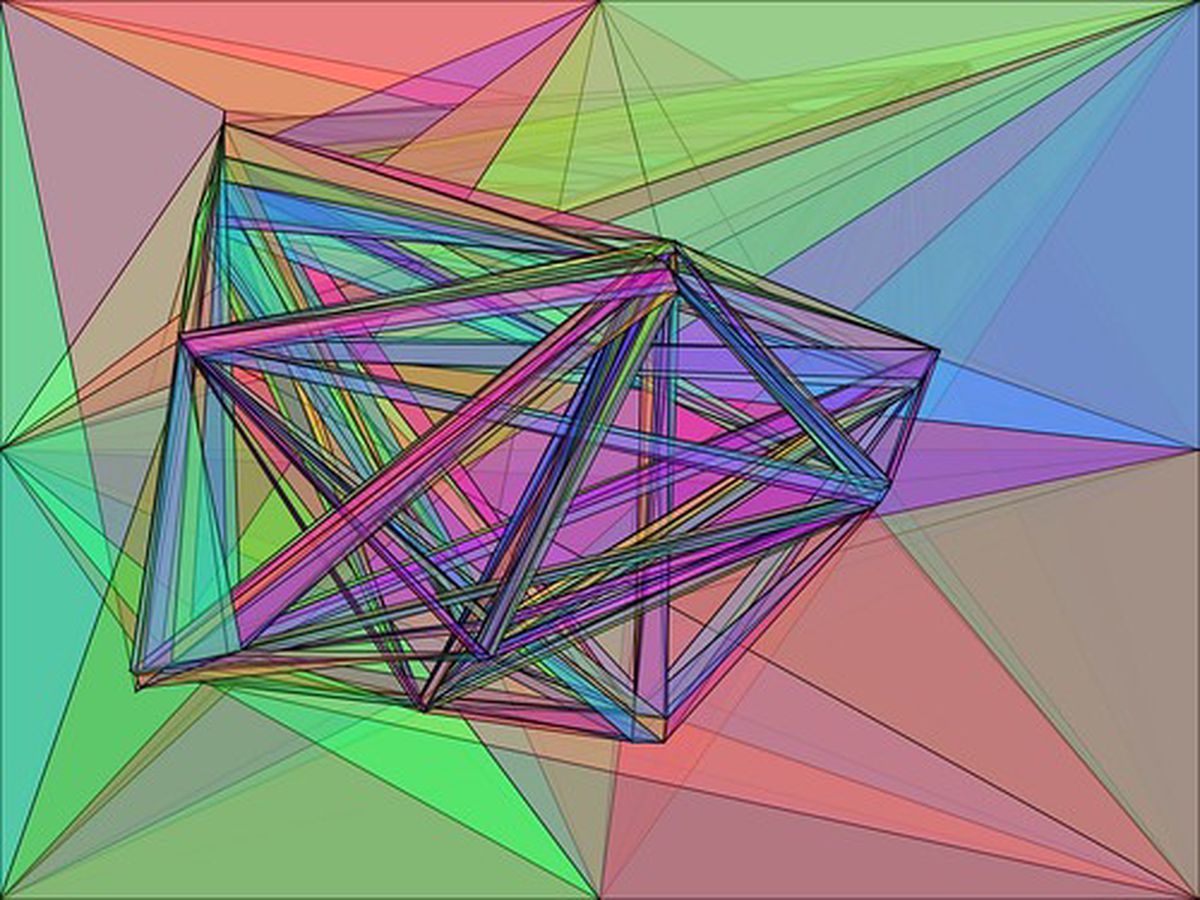
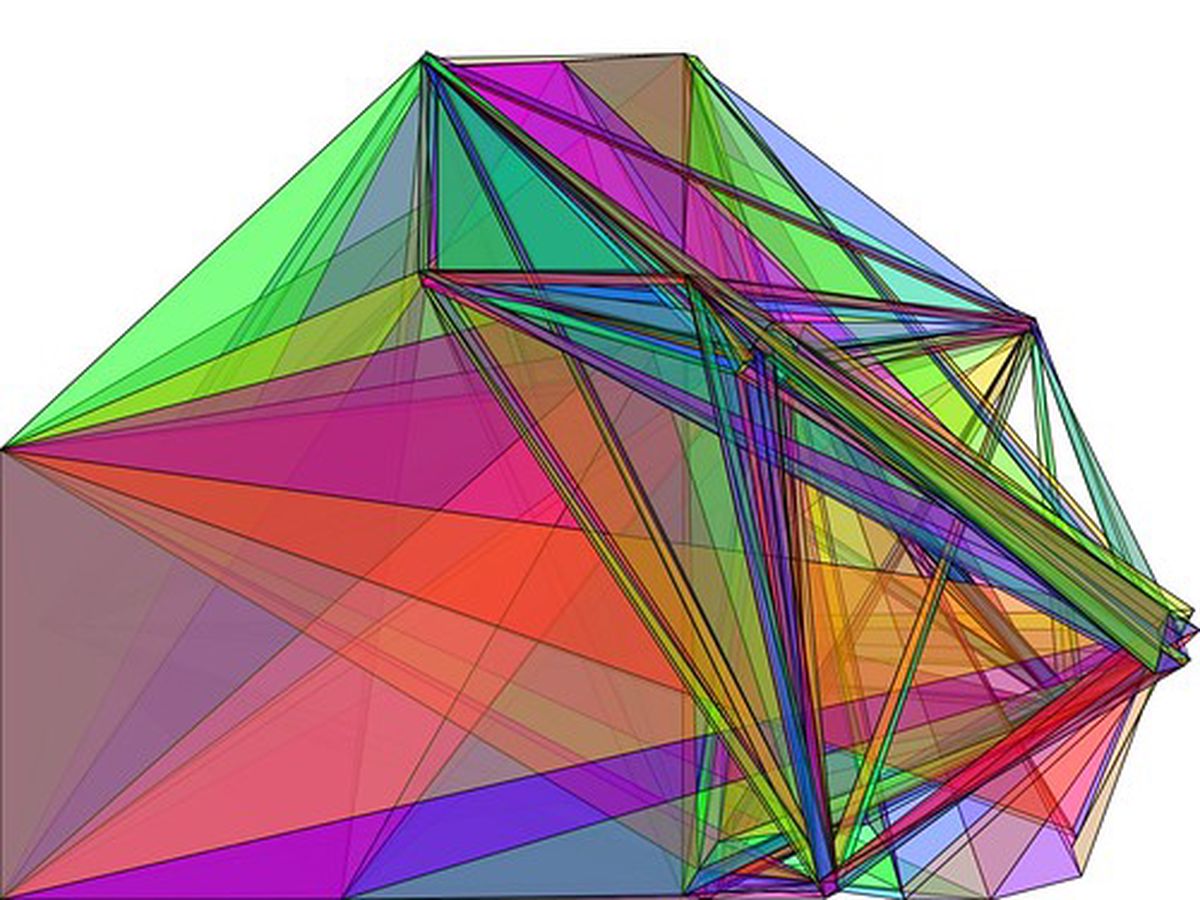
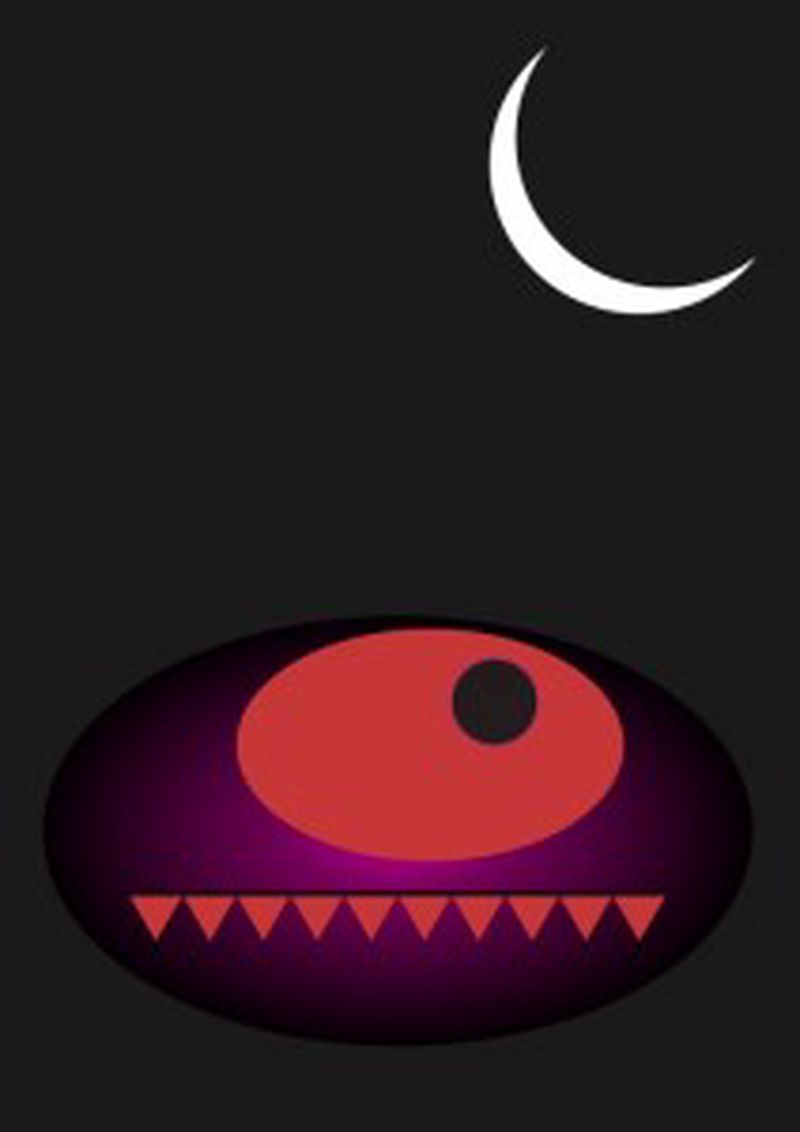
To design the poster image for The People VS The Machine I revisited an old technique that wrote about in 2009. The technique used the Extrude extension in Inkscape, combined with the Color > Randomize extension to create what could be described as a stained-glass effect for text.

TPVTM outline

I wanted to do the same and create an extrusion between each letter of the title text. This, however, presented a few challenges. In versions of Inkscape up to 0.49 the extrude extension would only work on two selected objects. Even if you highlighted more than two objects the extension would only choose two of them to apply the extrusion to (I’m still not sure how it decides which two to choose). I could do this manually with each pair of letters, but this would take a long time and could easily get confusing!


New deviantART ID

I’ve been a part of the deviantART community for a lot longer than I have had a blog or website. I used to be very active but then drifted slightly away ‘cause of the whole blogging thing though recently found myself at one of the devMeets. It’s a great way to meet other amateur, hobbyist and even professional artists, photographers and creative types. In an attempt to get back into the swing of things I created myself a new ID image:


Family Build Up

One of the most common questions I, and possibly any other digital artist gets when they present their work is how they do it. I occasionally reveal some of my methods in my tutorials but otherwise I like to show screenshots taken at various stages. I came across this build up script a few months back and have now finally got it to work! Here’s my previous family portrait being reconstructed:

This script isn’t a true reflection of how I drew it but gives a good idea about the amount of detail I go into with my work. The reason I didn’t finish it is that I had already had the script running for ten hours and it was only half finished! Luckily there’s options to resume, but at this rate I’ll be doing it until February!


Family Portrait

After seeing some of my recent work I was asked to do a family portrait. The last time I did a portrait on such a large scale was in 2007 in Adobe Illustrator and the last time I did a realistic portrait was probably back in 2006 of an old photographer buddy. I’ve been using Inkscape for just over a year now and whilst I’ve been doing little bits and pieces I haven’t actually done a major illustration.


Ubuntu Bug Jam

Ubuntu Bug Jam

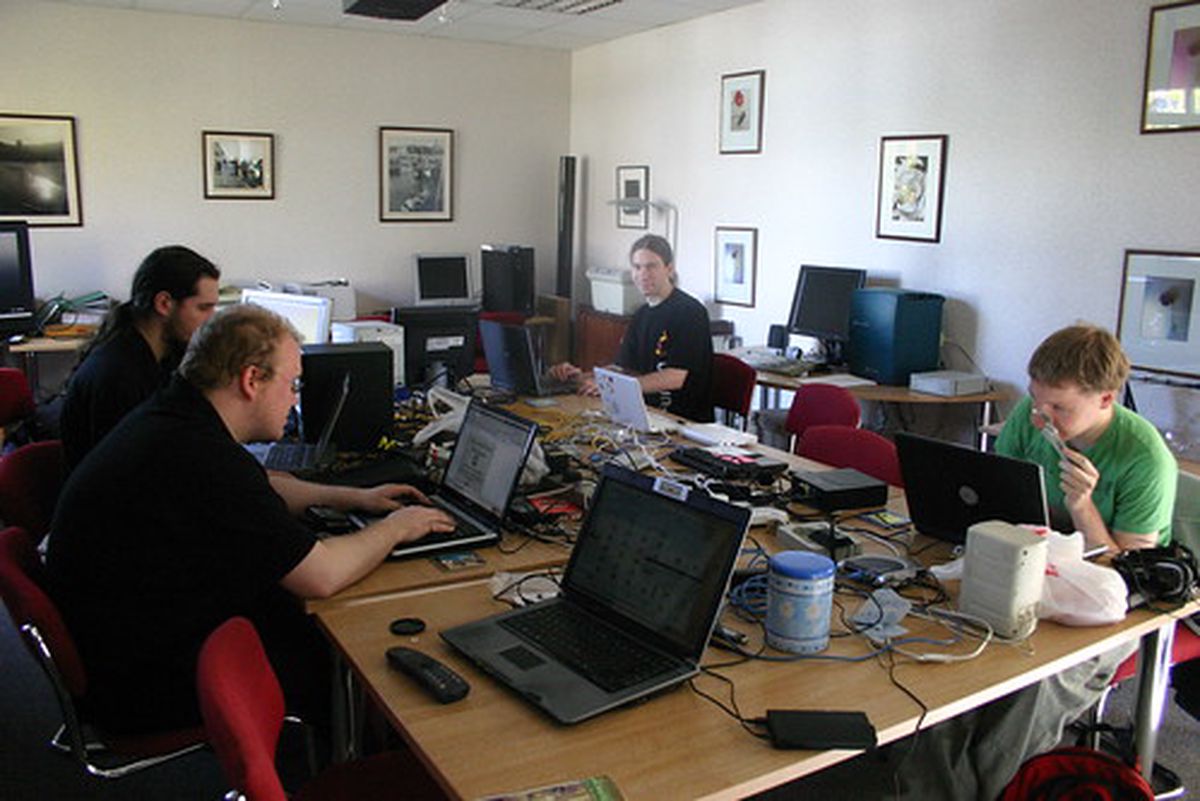
From Friday 2nd to Sunday many Ubuntu, Linux and Open Source enthusiasts descended upon the Linux Emporium to take part in the Ubuntu Bug Jam. In the words of an Ubuntu blogger, the Ubuntu Bug Jam is:

…a world-wide online and face-to-face event to get people together to fix Ubuntu bugs - we want to get as many people online fixing bugs, having a great time doing so, and putting their brick in the wall for free software. This is not only a great opportunity to really help Ubuntu, but to also get together with other Ubuntu fans to make a difference together, either via your LoCo team, your LUG, other free software group, or just getting people together in your house/apartment to fix bugs and have a great time.


Starting off Simple

I’ve been doing quite a bit of messing around with Alchemy. Whilst in search of solution for a problem in Blender I came across a rather awesome time-lapse digital painting from an upcoming Blender Foundation project, Durian. Not only was I blown away by the skill of the artist but also by the software that he uses. I’m an open source nut so was really glad to see him use GIMP and other open source software to produce his piece. One particular piece of software that stood out to me was Alchemy.


Bending a penguin

Awhile back I did a quick vector illustration of a penguin. It was nothing much really but as far as penguins go I quite liked this one. Recently (as in, the last four months) I’ve been interested in databending. Have you ever had an image you’ve taken come out like it’s been through a shredder? That’s the effect that most databenders are after. In a way it’s like trying to reproduce an error. Once you’ve done it a few times you get to learn what effects different methods can produce but even then it’s very unpredictable. For a short tutorial on databending an image, take a look at the one I wrote for fizzPOP.


Blending Inkscape and Blender

One of the things I’ve always wanted to do is to work on an image in a 3D environment but then export the resultant image to an svg. Being the open source nut that I am my main weapons of choice are Blender for 3D work and Inkscape for vector. These programs have their advantages and their disadvantages. The main advantage they have over many similar programs is that they’re open source and free. They’re very capable products and are used quite widely and are being actively developed. In fact, Inkscape is getting ready to release version 0.47 (I’ve used a prerelease and it’s awesome)


Inkscape tutorial: text manipulation

I’ve been messing around with Inkscape a lot recently and have found a few cool tricks. This all originally started as an attempt to recreate an effect I saw on the Inkscape website but quickly evolved into something different.

Here’s an example of the output I achieved.

Something I did earlier

What’s interesting about this is that it’s mostly the work of filters. For this tutorial we’ll be working with text in Inkscape 0.47pre0. To illustrate things better use a font that is very think. Even Arial Black will do. Create two different text objects


More Blender Renders

Since my last post about using Blender with vectors I’ve explored taking vectors into it and then exporting jpegs. Below is an image I stated creating awhile back in Inkscape but never finished.

Click for full size
Click for full size

This is what it looks like after I’ve taken it into Blender and messed around with it a little bit

Render from Blender. Click for full size

Pretty snazzy! I’ve still got a bit of composition techniques to figure out, but once I do I think I might take my vectors into Blender more.


Blender renders

For the past month or two I’ve been getting my head around Blender to do some 3D modelling. It’s a tough program to learn, but with the aid of some very useful tutorials and strong community support I feel I’m getting somewhere!

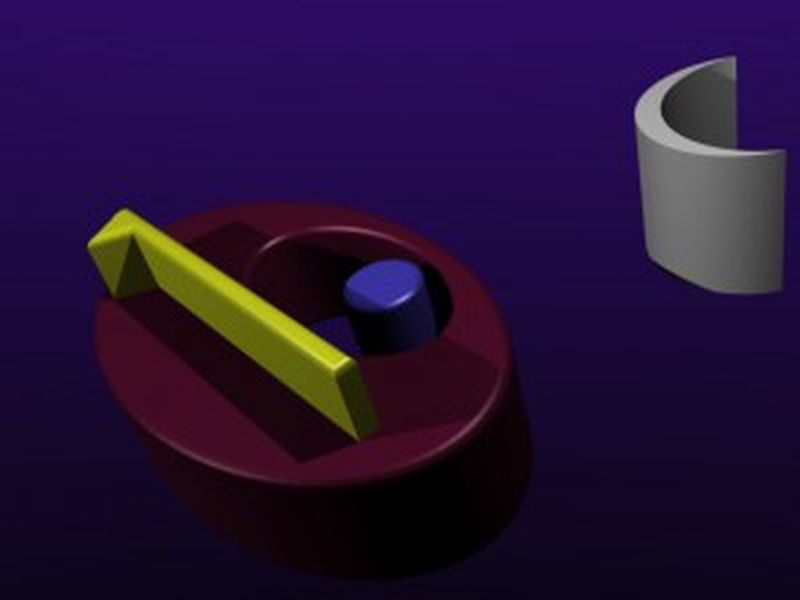
As well as using Inkscape to make vectors I want to explore the possibilities of using Blender to render 3D models as vectors. There’s so many benefits of this approach as long as it works. To do this I’ve tried out to vector rendering scripts written in the python programming language, VRM and Pantograph. VRM was easy to install - just dropped the file in the scripts folder - but Pantograph was a bit more problematic. If you’re going to install it make sure you have the right Python libraries installed! Here’s the original Blender output:


Halftone Portrait

Here’s the last in my daily pictures for this week. I’ve a busy weekend of parties and more parties, so I’ll do a whole week of drawing another week.

Halftone Portrait

I’ve spent most of my day feeling a little bit ill and learning how to use Blender, so this is more of an experiment than anything. I used a tutorial by istarlome to create this. I found that if you check the Colour option under the Trace tab it will attempt to colour the image as well. Using Inkscape to create halftones could well be a powerful way to do it and gives you many options for editing and customisation.


Another Tree

I missed yesterdays image, so here it is today. I could’ve shown it last night but it just looked terrible, so thought I’d do some more on it first.

Another Tree

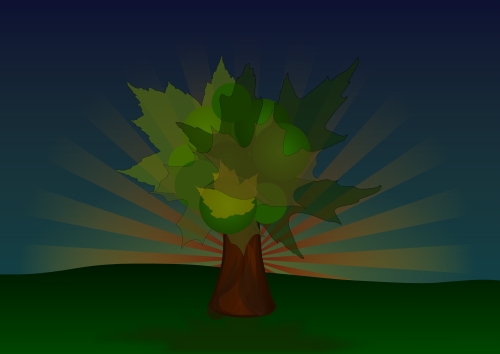
I think I like trees, especially judging by the number of trees in my sketchbook!

Still got another one to do today, and then I’ll call it quits


It's the dreaded Christmas tree!

I’m not a very Christmasy type person. I’m not against it or anything, I just don’t really get into the spirit of it. However, I just heard a very festive song on the radio and since that all I can see are Christmas Trees! So here’s one for ya!

It's the dreaded Christmas tree!


Penguin for the winter

A little something for you guys for the winter

Penguin for the winter

I’m currently pursuing other things, like invigilating at the Heard and Not Seen exhibition amongst other stuff, which I’ll be sure to let you in on in due course ;-)

I’m gonna try and do a vector drawing every day this week. We’ll see how this pans out, though I think it could go well as this only took 30 mins to do.


Open Source Art Zine

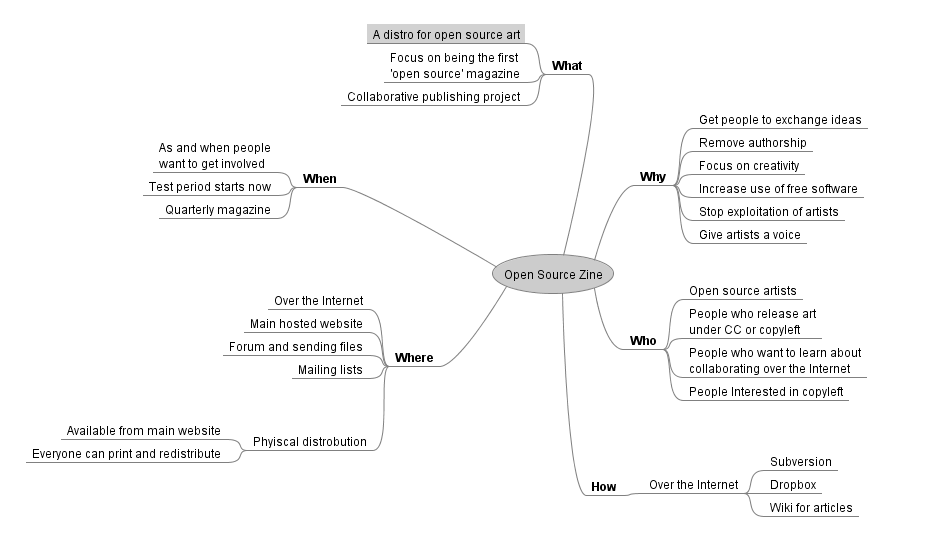
Open Source Art Zine Click to englarge

Here’s some more progress on the open source zine idea I’ve had recently. I’ve been seeking advice on the Inkscape and GIMP forums, but feel free to add any thoughts ;-)


Vacant - Illustration Friday

This is my submission for the Illustration Friday topic, Vacant

Vacant - Illustration Friday

I interpreted vacant to mean blank and with that came the image of a blank piece of paper. A blank paper is very daunting to many artists and it’s no different with me. However if I start at a paper and think long enough usually ideas just start to come out at me. I portrayed this by using very light colours for the lettering and scenery.


Packed

Packed

This was originally going to be for Illustration Friday’s Packed topic but I hadn’t yet gotten to grips with Inkscape so it was late. Ah well, here it is for your enjoyment!

This work is licensed under a creative commons licence: Attribution-Share Alike 2.0 Generic


Bloody Nose

Some new work. Inspired by a friend who got a nose bleed on Saturday. Bloody Nose

Inkscape getting that little bit easier to use. Would be great if it didn’t slow down a lot!


Illustration Friday - Clique

Illustration Friday - Clique For this week’s Illustration Friday topic I wanted to highlight that cliques are a group of similar people but that they’re also unique. I also wanted to improve my skills in Inkscape. I’m getting a lot better at using blending modes on layers instead of objects and the Spiro function works really well!


Illustration Friday - Island

Illustration Friday - Island

I thought I’d take a break from getting to grips with Inkscape to try my hand at this weeks IllustrationFriday topic, Island. For this I just wanted to create a simple representation of the word. At the moment I’m not quite getting the same depth as I would with my older work, but that’ll come with time.


Inkscape

As mentioned in an earlier post I’ve decided to exclusively use open source software for my work. I’ve recently been messing around with Inkscape to see if it can offer similar or better ways of working.

So far I’ve found Inkscape to be quite powerful but missing some functions that I use regularly:

  • I would have usually hid objects using alt+3 and then reveal them later. There’s no simple shortcut for hiding objects and, unless you enter the xml editor there’s no easy way to reveal any hidden objects.


Open Source

I’m going to be moving into exclusively using open source software to create artwork in the near future*. More on why once I get my head around some of the software.

*that is unless it’s completely necessary that I use a piece of commercial software e.g. GMIP doesn’t support CMYK, yet Photoshop does.