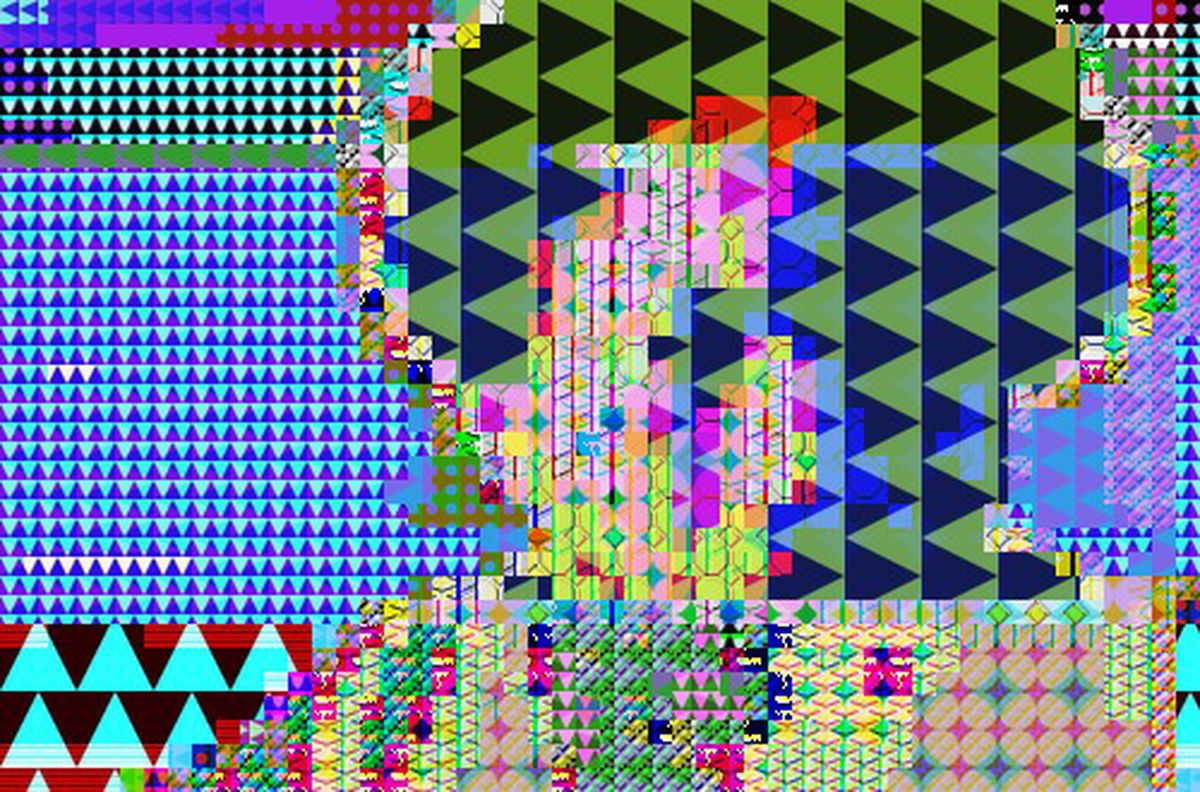
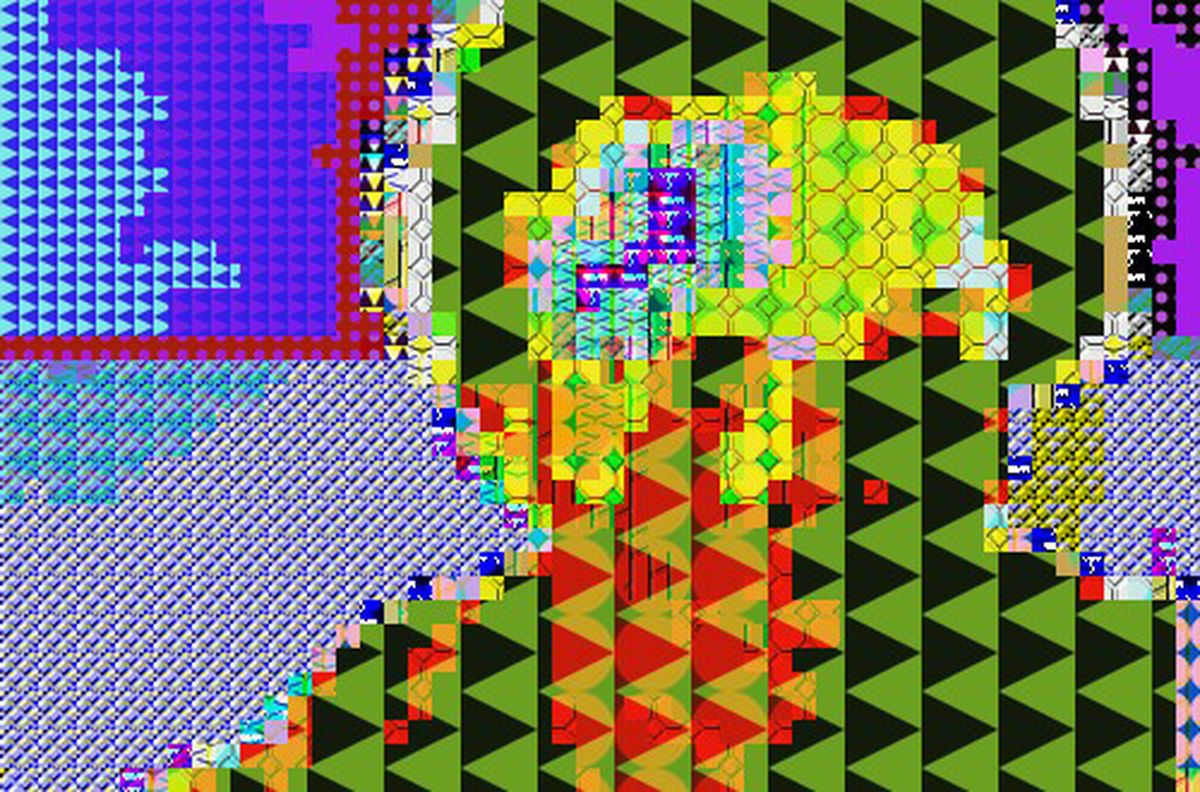
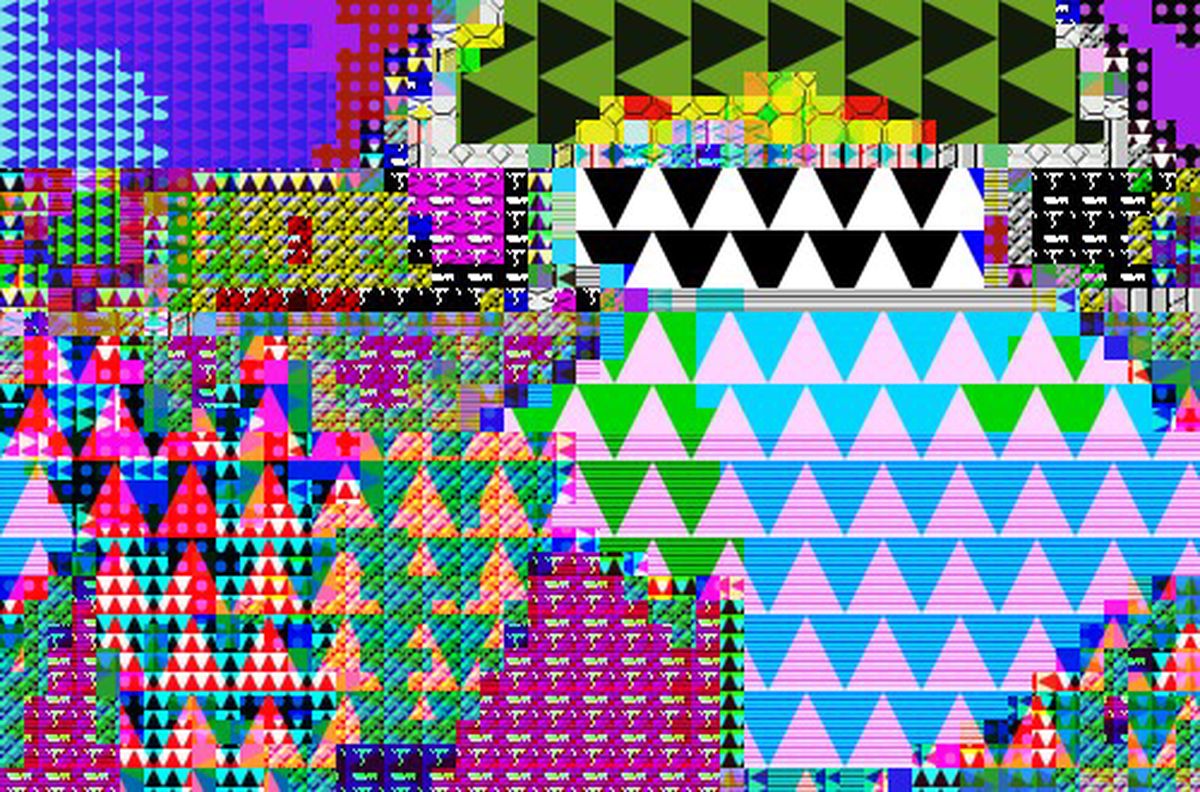
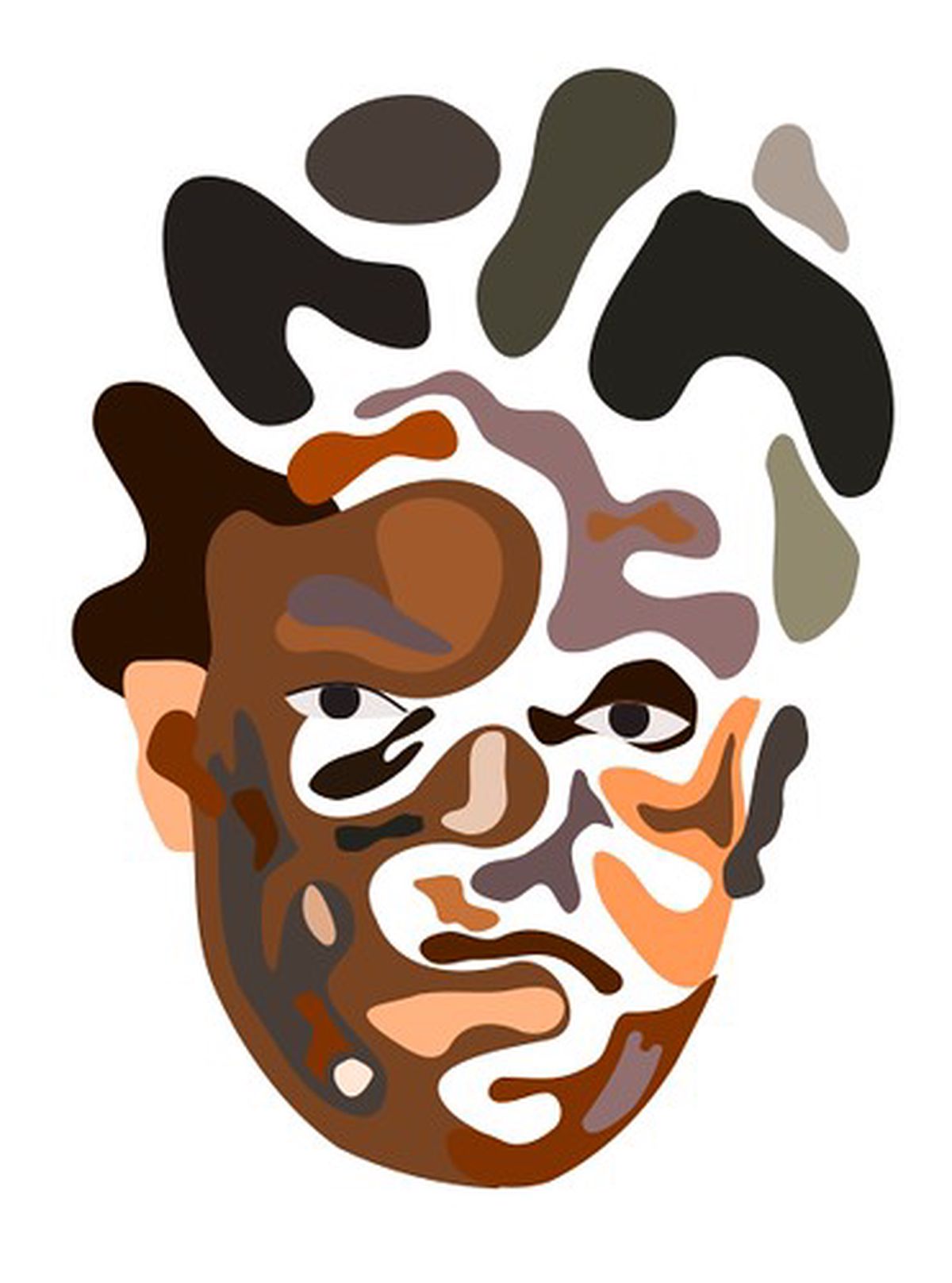
From 12th - 28th January a series of animated portraits, developed in response to the Boom for Real Basquiat exhibition, will be on display at Barbican.
Barbican young creatives, along with artist and curator Antonio Roberts, present a collection of work in response to Basquiat: Boom for Real
Artist and curator Antonio Roberts worked with a group of Barbican young creatives over three months to create artwork in response to the exhibition Basquiat: Boom for Real currently showing in the Barbican Art Gallery.
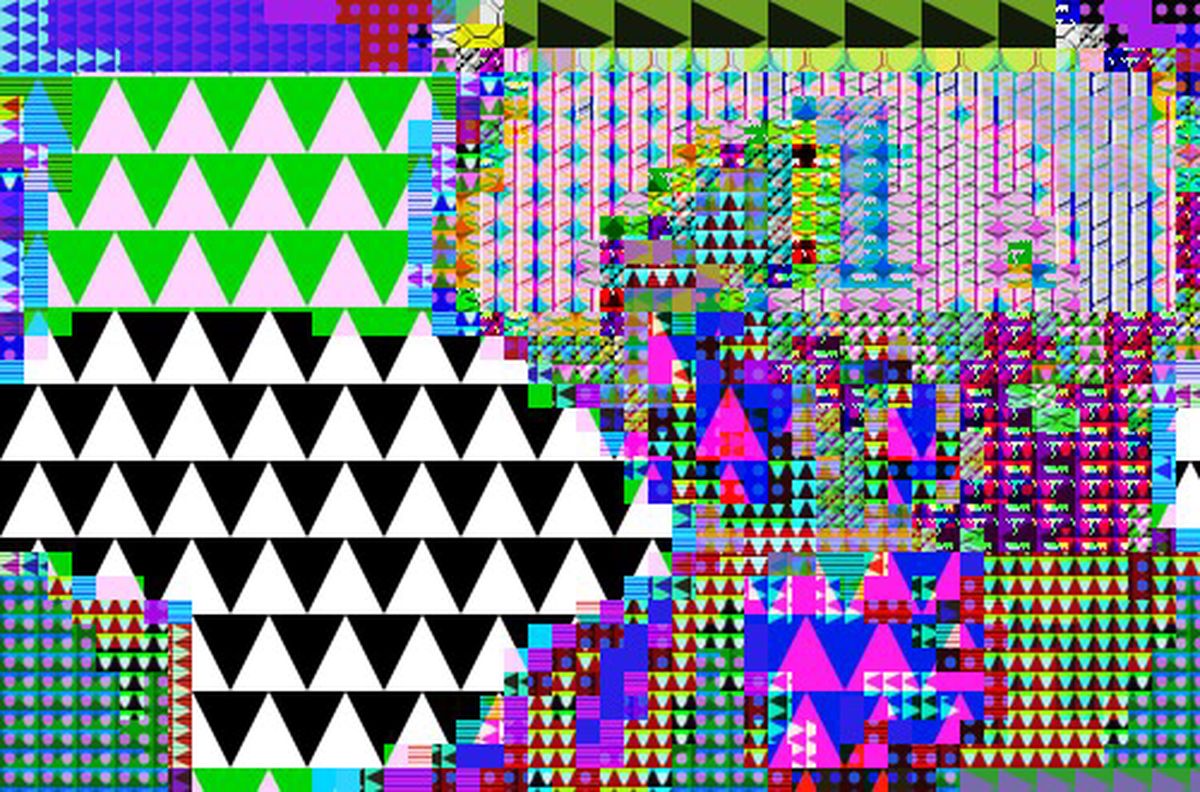
A series of self-portraits. The title comes from a random string that was found in one of the images
More here
The making of Skin Cells was quite a long process. It started projecting my Bunnies video onto me and filming this. I then took this and ran it through the What Glitch? sgi script to create a glitched version of the video, leaving me with two versions of the video.
When it came to merging the two videos together I took some inspiration from Tidepool by Tabor Robak. Putting the videos on top of each other I wanted to use chromakeying to reveal parts of the video at the bottom at the same time as really oversaturating the video. For this I employed the help of Pure Data:
Skin cells breaking up.
Made using a mixture of Pure Data, Gridflow and Din.
One of the most common questions I, and possibly any other digital artist gets when they present their work is how they do it. I occasionally reveal some of my methods in my tutorials but otherwise I like to show screenshots taken at various stages. I came across this build up script a few months back and have now finally got it to work! Here’s my previous family portrait being reconstructed:
This script isn’t a true reflection of how I drew it but gives a good idea about the amount of detail I go into with my work. The reason I didn’t finish it is that I had already had the script running for ten hours and it was only half finished! Luckily there’s options to resume, but at this rate I’ll be doing it until February!
After seeing some of my recent work I was asked to do a family portrait. The last time I did a portrait on such a large scale was in 2007 in Adobe Illustrator and the last time I did a realistic portrait was probably back in 2006 of an old photographer buddy. I’ve been using Inkscape for just over a year now and whilst I’ve been doing little bits and pieces I haven’t actually done a major illustration.
[singlepic id=2 w=320 h=240 float=none]
Here’s the last in my daily pictures for this week. I’ve a busy weekend of parties and more parties, so I’ll do a whole week of drawing another week.
I’ve spent most of my day feeling a little bit ill and learning how to use Blender, so this is more of an experiment than anything. I used a tutorial by istarlome to create this. I found that if you check the Colour option under the Trace tab it will attempt to colour the image as well. Using Inkscape to create halftones could well be a powerful way to do it and gives you many options for editing and customisation.
Here’s another screenshot.
Having some problems with the hair though…
Haven’t done a portrait in a while, let alone a self-portrait.
Just a work in progress. To be completed sometime soon
I’m on the Printer, originally uploaded by hellocatfood.
Now I’ve got a Gameboy Printer as well. Not really needed for any projects, but it’s just a bit of fun! It’s amazing how awful the quality is, but at the same time that’s what makes it so cool!