Category archives: Art

Film Dash 2010

Thanks to Team Make It So’s winning Film Dash entry I can now add “Star in Award Winning Films” to my list of achievements.

You can watch my awe-inspiring debut from 1:10 ;-)

For those who don’t know Film Dash is an event where teams have 48 hours to film and edit a movie up to five minutes in length. I think this winning movie captures fun that can be had in doing something so manic!

Congrats to Team Make It So and to all who took part!

Preserving the glitch

On Thursday 4th March I took part in the AntsArtJam at BitJam in Stoke-on-Trent. Three canvases were set up on the stage and artists were invited to get creative on them as the night went on.

Antonio Roberts (by These Ants)

Photo by These Ants

Those who know me will know that live art is not something that I’ve really done before. I’ve done a fair bit of performing, but nothing like this, so it was quite an exciting challenge.

In my performance I set out to explore how to preserve glitches. Although there are no rules or even strict definitions to terms such as databending or glitch art, to me glitches are naturally occurring errors whereas databending is the act of reproducing an error. Take, for example, my Glitches set and my Databending set on Flickr. Whereas the Databending set is quite full the Glitches set has only three items. I feel this is because it’s harder to capture naturally occurring glitches as you’re often not prepared for them.

To prepare for my performance I downloaded the two movies from the Blender Foundation (Big Buck Bunny and Elephants Dream) and used a modified version of MPEGFucker to databend them. I opened them to at least see if they could be played, but otherwise had no idea what state they were in. This was then projected onto the canvas where I began to paint it.

bITjAM (by These Ants)

Photo by These Ants

I got a few questions asking how I was actually determining what to paint. Afterall, images were zooming by at 24 frames per second, so how would I decide what colour to put where? Overall I was looking for patterns. From the five or so seconds of footage that I’d see I’d try and determine what average value best represented it.

In some ways this is a randomised process. I had only seen seconds of the glitched movie proir to the performance so didn’t know what to expect. Also, marks that I made on the canvas were determined by where my brush was, what colour was on there at the time and what was being projected. To add to this throughout the three-hour performance I didn’t really get to see any of what I was painting, due to the projection onto the canvas. I’m sure there were many occasions where I painted over the same spot many many times.

Here’s the finished product, next to work by Iona Makiola

IMG_0510 (by These Ants)

Photo by These Ants

All of the work from the night, including the video footage that I used, will be exhibited as part of The Talking Shop project in Stoke-on-Trent in the near future

Examples

I was showing a friend some open source software for design and evenetally came to Alchemy. Within just 10 minutes of srcibbling and then doing a bit of post processing in GIMP 2.7 I had this:

Click to download the psd file. Made in GIMP 2.7

I like when accidents like this happen

Echobender

Myself and Mez recently finished a script called Echobender that automatically databends images.

Click to download

To use it you’ll need:

  • A computer with Linux installed. I don’t have a Windows or Mac PC so I can’t test it on those
  • Sox. On Ubuntu you can install it via “sudo apt-get install sox”
  • Convert, which is part of ImageMagick. On Ubuntu you can install it via “apt-get install imagemagick”

Once you have those installed just execute ./echobender.sh from the terminal and then drop a .jpg or .bmp file into it. The output will be in a folder called “echo”.

If you look closely at the script you can see a way to convert any data into an image! I’ll leave that one up to you… Here’s the source code for all those interested:

#!/bin/sh -e
# Echobender
# By Antonio Roberts and Martin Meredith
# www.hellocatfood.com | www.sourceguru.net
# GNU/GPL

segons=`(date "+%Y%m%d%H%M%S")`
outfile="${segons}"

if [ ! -d ./echo ]; then
	mkdir ./echo
fi
clear
echo -e "\033[31m---------------------------------------------------- \033[0m"
echo -e "\033[33m Echobender \033[0m"
echo -e "\033[32m---------------------------------------------------- \033[0m"
echo -e "\033[35m---------------------------------------------------- \033[0m"
read -p "DROP A FILE HERE> " foo
echo -e "\033[32mLets bend $foo \033[0m"
echo -e "\033[35m---------------------------------------------------- \033[0m"
foo="$(echo $foo | sed -e "s/'//" | sed -e "s/'//")"
bn=$(basename $foo | sed -e 's/\.[a-zA-Z0-9]*$//')
imsize=$(identify -format "%wx%h" $foo)
cp $foo ./echo
convert ./echo/${bn}.* ./echo/${bn}.bmp
cp ./echo/${bn}.bmp ./echo/${bn}.raw
sox -r 482170 -e u-law ./echo/${bn}.raw ./echo/${bn}2.raw echo 0.8 0.9 5000 0.3 1800 0.25
convert -size $imsize -depth 8 rgb:./echo/${bn}2.raw ./echo/${bn}.$outfile.bmp
rm ./echo/${bn}.raw ./echo/${bn}2.raw ./echo/${bn}.bmp ./echo/${bn}.jpg
echo -e "\033[33mJob done. Check ./echo \033[0m"
echo -e "\033[31m---------------------------------------------------- \033[0m"

Thanks to Imbecil’s MPegFucker script for much of the inspiration.

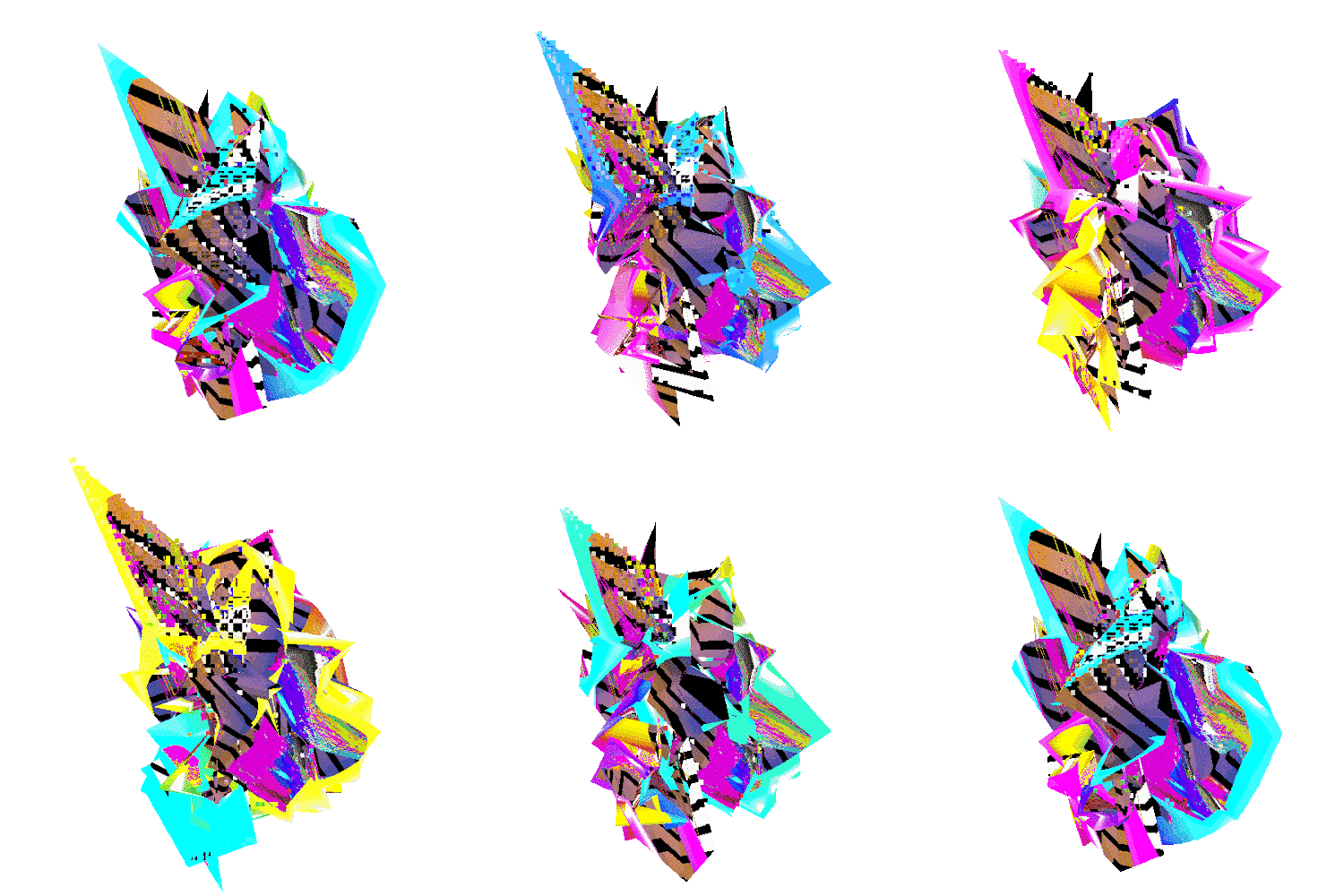
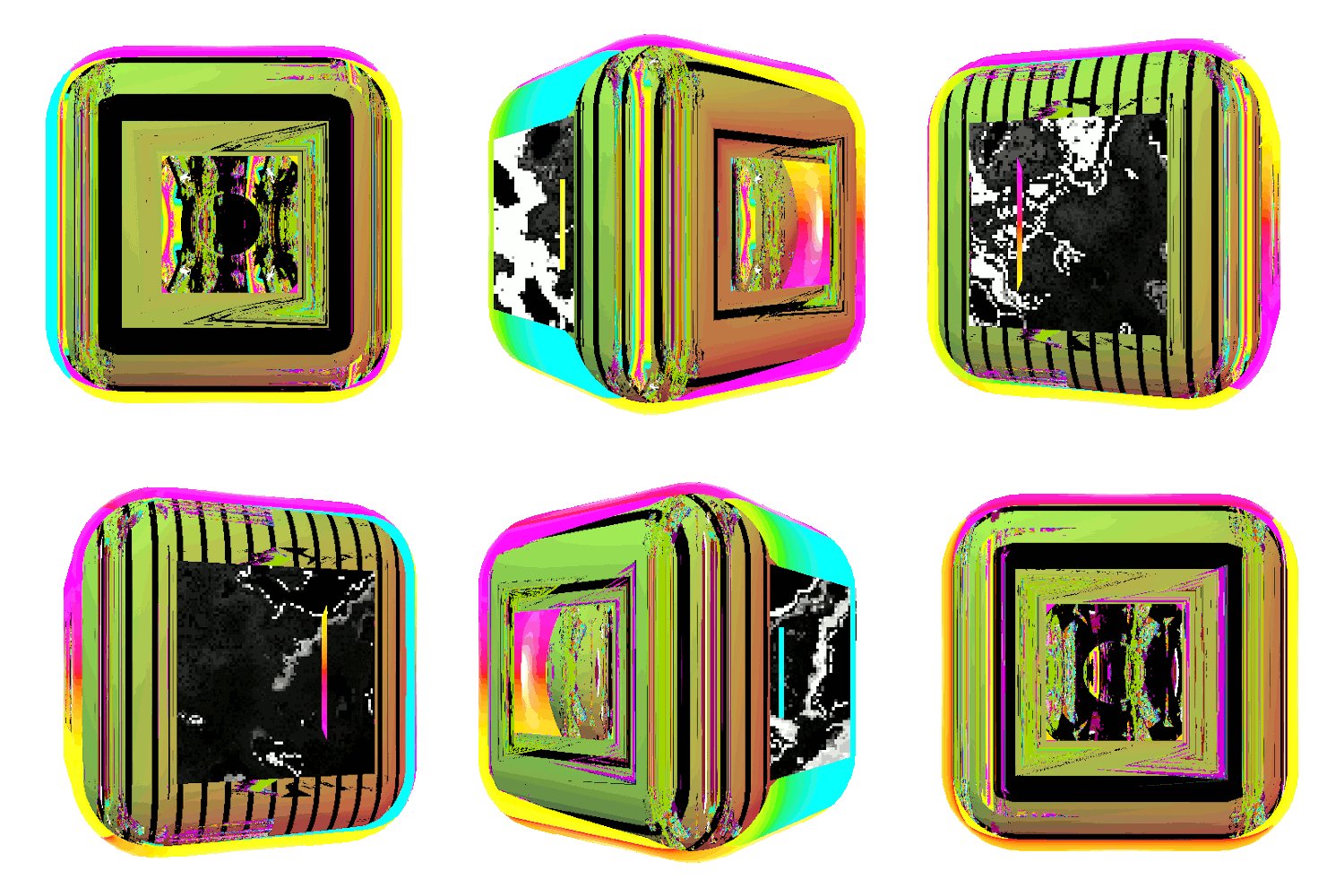
Moo mini cards

I’m not sure why, but I’ve never had business cards…. until now (sorta). I’ve just finished designing these eight:

Mini Cards (by hellocatfood)

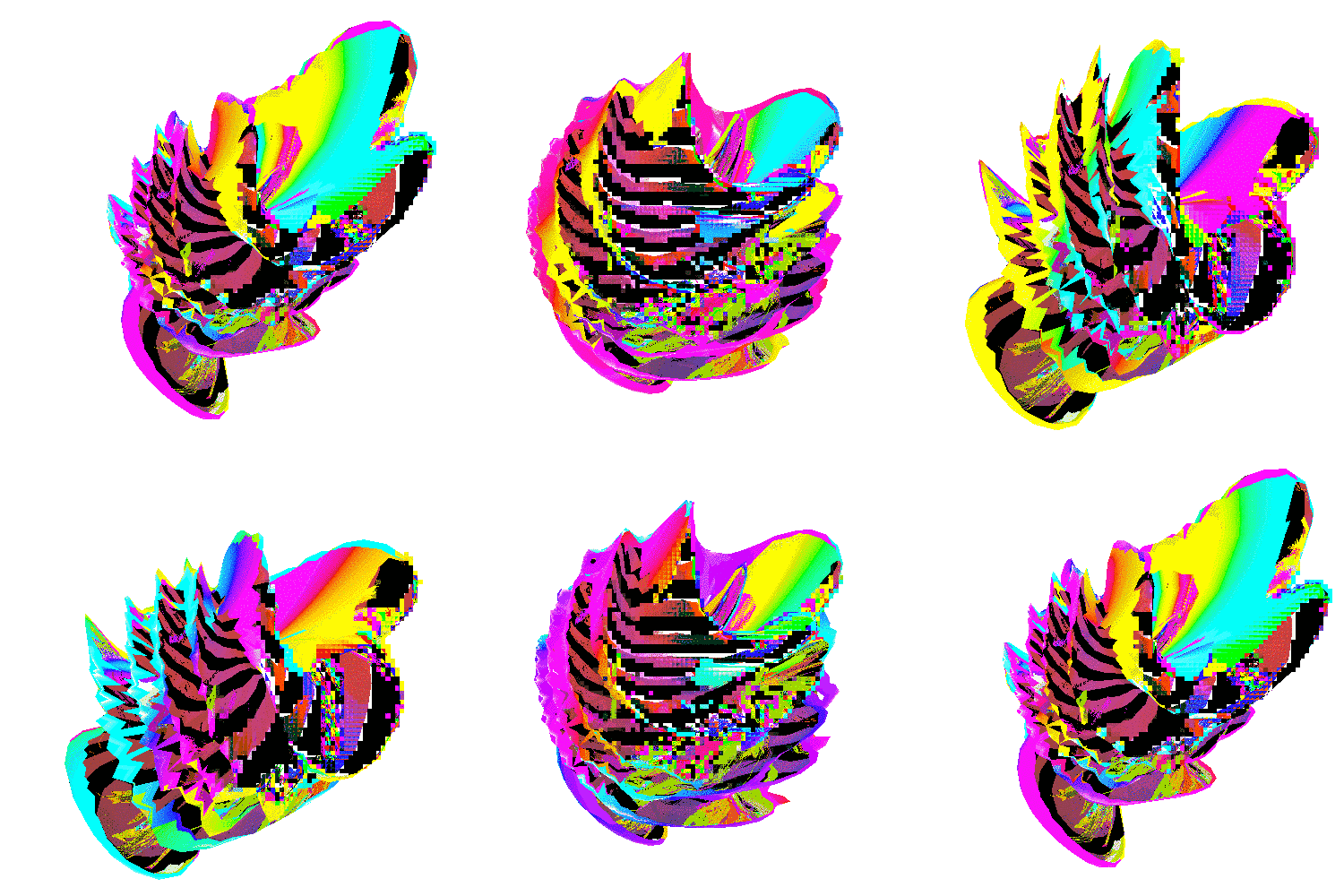
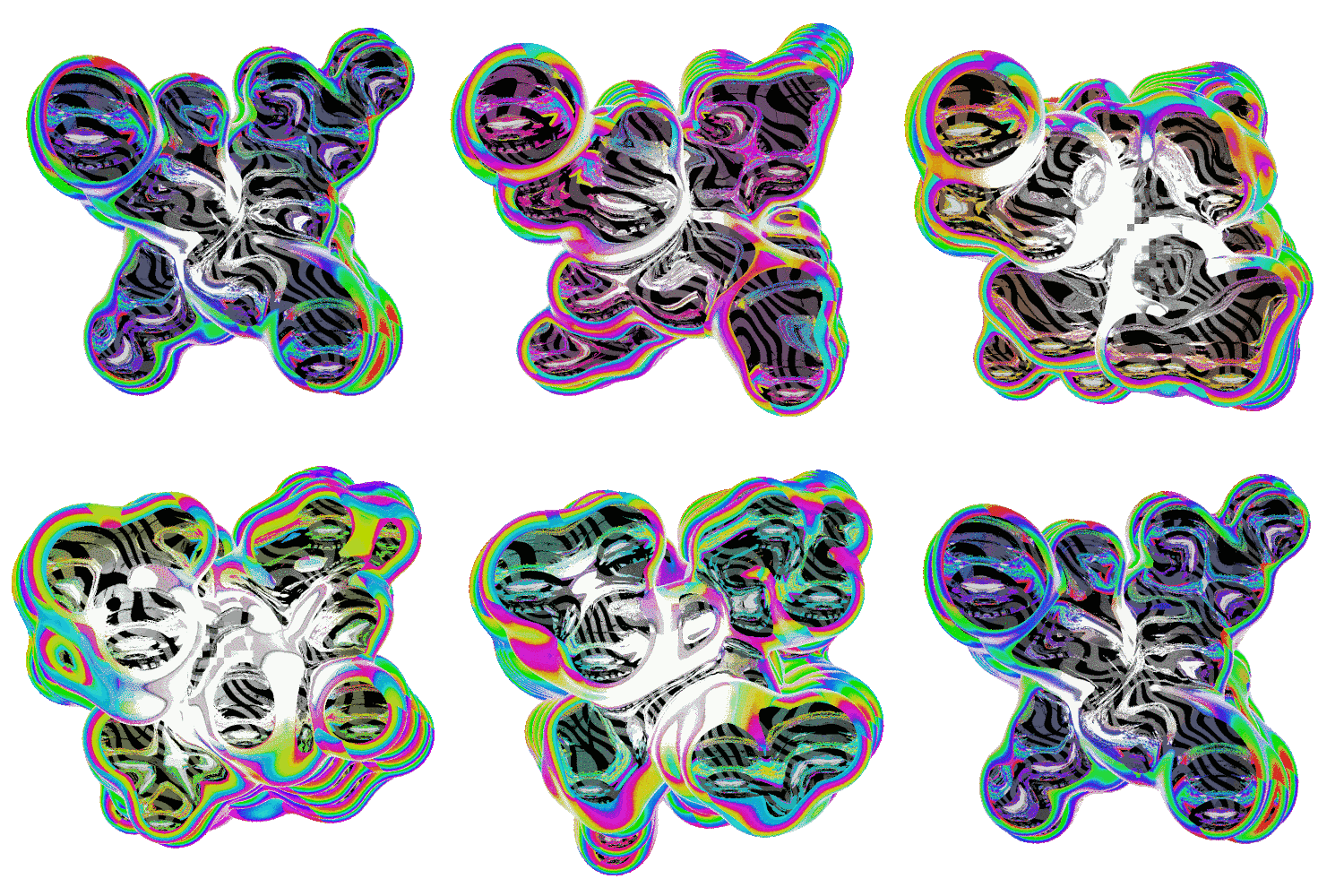
As expected databending played a big part in their creation as did a bit of post processing. Time to get them printed!